
Overview
Description
Reality AI™ Utilities enhances the developer’s journey with Reality AI Tools® to build end-to-end AI/ML models at the edge. This tool is available in two versions, plug-in version to Renesas e2 studio and Standalone version supporting external IDEs, offering two basic sections: round-trip AI development workflow and performance validation, to enable efficient deployment on resource-constrained hardware such as MCUs and MPUs.
- Round-trip AI development workflow integration.
- FSP / FIT code modules for abstracting sensor data flows.
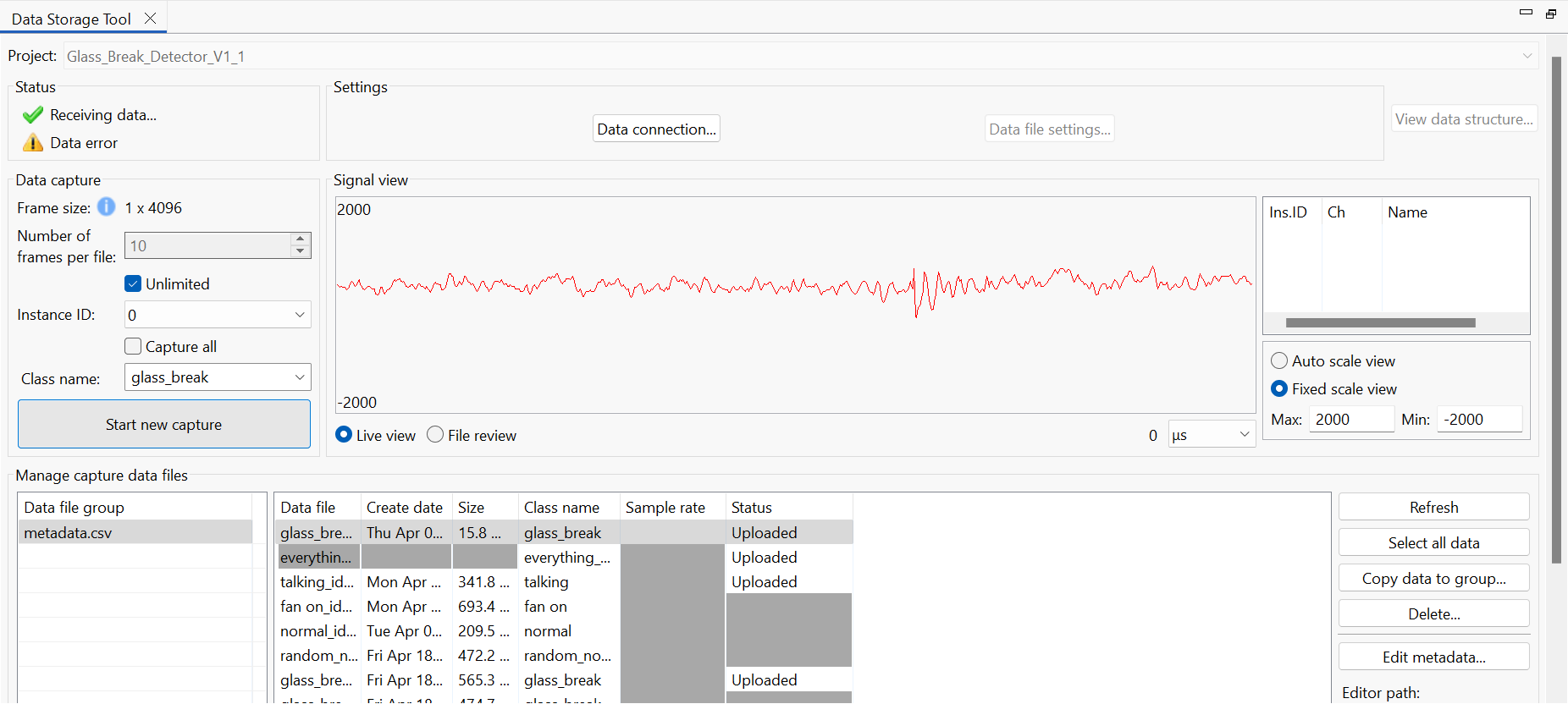
- Data Storage Tool for collecting data live from any Renesas MCU project, either on Renesas evaluation board or customer's own hardware with Renesas devices. It enables direct data upload to Reality AI Tools for model creation, optimization, and download of AI modules directly into e2 studio or external IDEs.
- Performance validation, including:
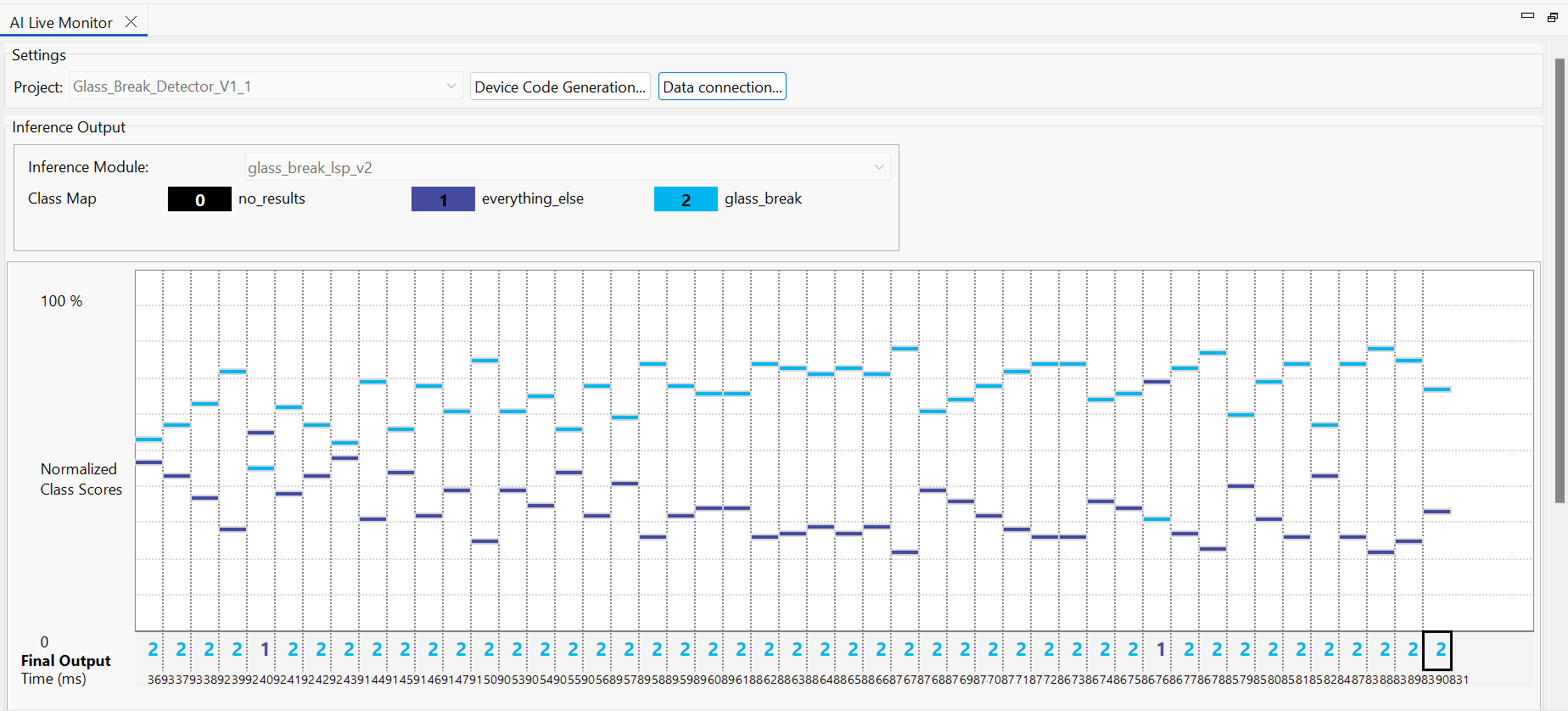
- Transparency enhancement: visualization of AI modules running on hardware, enabled now for evaluation and testing purposes by HiL Testing and AI Live Monitor.
- Hardware in the Loop (HiL) Testing: to quick evaluate functionality, inference time, and resources for an AI module.
- AI Live monitor to watch and debug operation of AI modules live, within your own embedded projects.
- Transparency enhancement: visualization of AI modules running on hardware, enabled now for evaluation and testing purposes by HiL Testing and AI Live Monitor.

Features
- Plugin: streamlined integration available within e2 studio, Renesas' Eclipse-based IDE, enhances productivity.
- Standalone: Standalone tool that works with IDEs (CS+ for CC, IAR Embedded Workbench, and Keil uVision).
- Enabling quick iteration cycles for real-time analytics-based AI solutions and allows developers to:
- Direct Deployment: Export trained models from Reality AI Tools and integrate them into e2 studio projects for seamless firmware development on Renesas MCUs and MPUs.
- Edge Optimization: Optimize models for constrained devices directly within the selected IDE environment, ensuring efficient use of memory and processing power.
- Workflow Synchronization: Align data collection, feature extraction, and code generation between the platforms to reduce development time.
- Performance Validation: Use the selected IDE's debugging Reality AI Utilities plugins to collect data, test, debug, and evaluate models in real-world conditions before deployment.
Target Devices
Downloads
|
|
|
|
|---|---|---|
| Type | Title | Date |
| Software & Tools - Software | Reality AI Utilities Standalone v1.3.0 - Software
Reality AI Utilities Standalone executable zip file. Reality AI Utilities Standalone supports AI development across multiple IDEs, enabling data collection, live monitoring, and testing.
|
|
1 item
|
||
Documentation
|
|
|
|
|---|---|---|
| Type | Title | Date |
| Release Note | Reality AI Utilities Plug-in V2.4.0 Release Note
The Reality AI Utilities plug-in for e2studio enhances AI development on Renesas hardware with tools for data collection, live monitoring, and testing.
|
|
| Release Note | Reality AI Utilities Standalone V1.3.0 - Release Note
Reality AI Utilities Standalone supports AI development across multiple IDEs, enabling data collection, live monitoring, and testing.
|
|
| Application Note | PDF 441 KB | |
| Quick Start Guide | Reality AI Utilities - Standalone Quick Start Guide
|
|
| Quick Start Guide | Reality AI Utilities Plugin Quick Start Guide
|
|
5 items
|
||
Design & Development
Sample Code
Sample Code
Filters
|
||
|---|---|---|
| Type | Title | Date Date |
| Sample Code | Reality AI Utilities Standalone - Glass Break Detection Demo Sample Code
|
|
| Sample Code | Reality AI Utilities Plugin - Glass Break Detection Demo Sample Code
[Software=FSP|v5.5.0 or later],[Toolchains=Reality AI Explorer Tier]
ZIP
5.18 MB
Compiler:
ARMCC
IDE:
e2 studio
|
|
2 items
|
||
Related Boards & Kits

AI Kit Development Platform with RA8D1
The AIK-RA8D1 provides developers with multiple and reconfigurable connectivity functions to expedite AI/ML system development. This easy-to-use hardware platform for multimodal AI/ML solutions is based on the RA8D1 MCU from the RA family of 32-bit MCUs.
The hardware platform is intended for use... Read More

AI Kit Development Platform with RA6M3
Multiple and reconfigurable connectivity functions to expedite your AI/ML System. Easy-to-use hardware platform for multimodal AI/ML solutions based on the RA6M3 MCU from the RA Family of 32-bit MCUs.
The hardware platform is intended to be used for different kinds of AI/ML single or multimodal... Read More
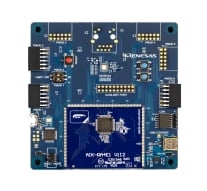
AI Kit Development Platform with RA4E1
Multiple and reconfigurable connectivity functions to expedite your AI/ML system. Easy-to-use hardware platform for multimodal AI/ML solutions based on the RA4E1 MCU from the RA Family of 32-bit MCUs.
The hardware platform is intended to be used for different kinds of AI/ML single or multimodal... Read More

RA8M1 Voice User Demonstration Kit
Easy-to-use hardware platform for Voice User Interface (VUI) solutions based on the RA8M1 MCU.
This VUI partner-enabled solution is based on the RA family of 32-bit MCUs. The hardware platform is used for all VUI partner-enabled solutions provided by Renesas within the Renesas Ready Partner... Read More

Renesas Flexible Motor Control Kit for RA6T2 MCU Group
The MCK-RA6T2 is a development kit that enables easy evaluation of motor control using permanent magnet synchronous motors (brushless DC motors). With this product and the sample code and QE for Motor that can be downloaded from the website, you can start evaluating motor control using the RA6T2... Read More
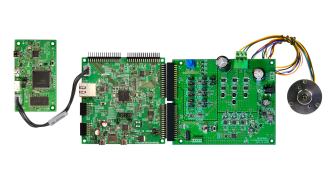
Renesas Flexible Motor Control Kit for RA8T1 MCU Group
The MCK-RA8T1 is a development kit that enables easy evaluation of motor control using permanent magnet synchronous motors (brushless DC motors). With this product and the sample code and QE for Motor that can be downloaded from the website, you can start evaluating motor control using the RA8T1... Read More
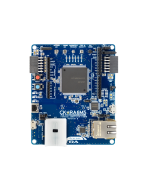
Cloud Kit Based on RA6M5 MCU Group
The CK-RA6M5 Cloud Kit enables users to securely connect to the cloud and explore the features of the Cortex®-M33 based RA6M5 group of MCUs and cloud services. With multiple network connectivity options, the kit provides a seamless cloud connectivity experience to most of the global cloud... Read More
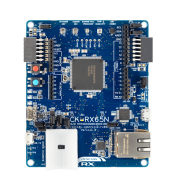
Cloud Kit Based on RX65N MCU Group
The CK-RX65N cloud kit enables users to securely connect to the cloud and explore the features of the Renesas RXv2 core based RX65N MCU Group and cloud services.
With multiple network connectivity options, the kit provides a seamless cloud connectivity experience to most of the global cloud... Read More
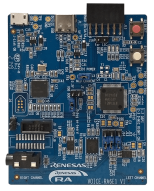
RA6E1 Voice User Demonstration Kit
Easy-to-use hardware platform for Voice User Interface (VUI) solutions based on the RA6E1 MCU.
This VUI partner-enabled solution is based on the RA family of 32-bit MCUs. The hardware platform is used for all VUI partner-enabled solutions provided by Renesas within the Renesas Ready Partner... Read More
Test This Board Remotely
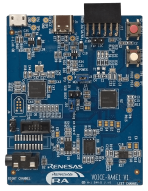
RA4E1 Voice User Demonstration Kit
Easy-to-use hardware platform for Voice User Interface (VUI) solutions based on the RA4E1 MCU.
This VUI partner-enabled solution is based on the RA family of 32-bit MCUs. The hardware platform is used for all VUI partner-enabled solutions provided by Renesas within the Renesas Ready Partner... Read More
Videos & Training
Explore the enhanced functionalities in Reality AI Tools and the new features integrated into Renesas e² studio. Reality AI Utilities reduce the complexity of creating lightweight ML models while improving and stabilizing results. These tools enable embedded engineers to work directly with AI tools.
News & Blog Posts
Blog Post Apr 22, 2026 |
Blog Post Mar 9, 2026 |
Blog Post Jul 24, 2025 |
Blog Post Jul 2, 2025 |
Blog Post Jun 25, 2025 |
Resources
Support
Support Communities
- Voice-RA6E1 Reality AI Quick Start Guide Sample Code Unable to Recognize
... human speech. Is there anywhere that the settings might need to be adjusted? https://www.renesas.com/en/software-tool/reality-ai-utilities?sam_order=date&sam_sort=asc#documents Or are there any other sample codes I can refer to?Thanks. This ...
Feb 7, 2025

Support Communities


