
Simplify Your Design Journey from Concept to System
Xplore is a developer hub for MCU-based designs that combines affordable boards, modular expansion hardware, and reusable software building blocks. Analog, power, and connectivity expansion modules added to MCU boards supports a wide range of applications. Start with a board, add your application needs, and build faster with software you can reuse for different applications. Integrated with Renesas 365, a unified end-to-end development platform, Xplore provides the content needed to enable discovery, evaluation, and development in one connected workflow.
Unified Development for Multi-Market Innovation
Xplore unites Renesas product portfolios in a single development experience. Developers can explore, evaluate, and design solutions across a broad range of applications using cost-effective hardware and reusable software.
Accelerate with Use-Case Driven Building Blocks
Accelerate development time and reduce development effort with the combination of affordable hardware and reusable software building blocks in ready-to-evaluate solution projects designed based on real application functions. Extend capabilities through a growing ecosystem of partner solutions.
Modern & Connected Development Experience
Integrated with Renesas 365, Xplore connects product discovery, development resources, evaluation, and development in one connected workflow. Share projects across teams, leverage reusable building blocks, and quickly move from application concept to working design on a digital environment.
Solutions: Ready-to-Evaluate Projects
Browse a growing portfolio of solution projects that combine affordable hardware and use case-driven software building blocks. Designed for reusability, these solutions simplify evaluation and accelerate development across a wide range of applications.
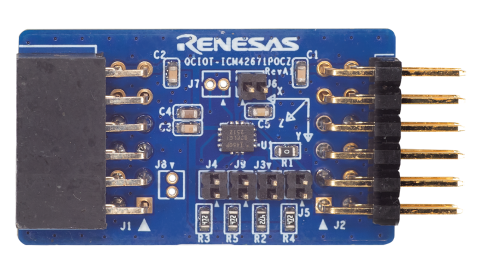
Track and protect valuable assets using motion sensing powered by RA MCUs, Reality AI, Bluetooth® Low Energy (LE), and the Hubble IoT platform. Real-time sensor data and AI classification detect events such as drops, impacts, shakes, and abnormal handling, with alerts transmitted wirelessly for continuous visibility and monitoring.
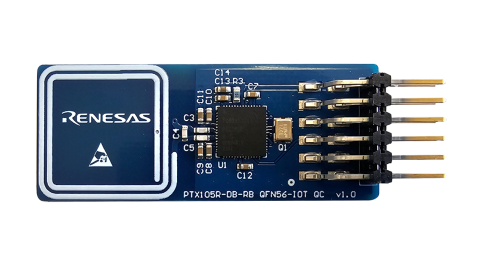
Demonstrate NFC-controlled access by presenting a valid NFC card to trigger servo lock and unlock actions. This solution showcases secure local credential verification and real-world actuator control without cloud connectivity.
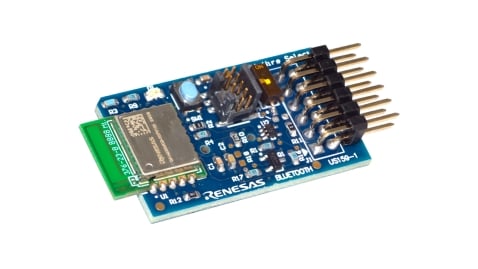
Capture real-time sensor measurements and transmit them wirelessly over Bluetooth LE. Explore how quickly sensor data can be collected, communicated, and integrated into connected sensing applications.
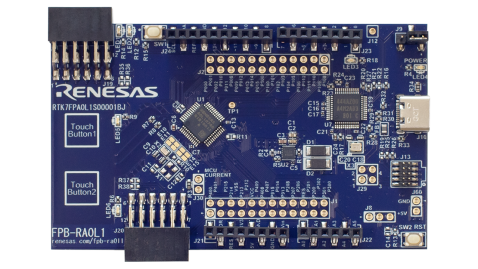
Enable: Start with a Fast Prototyping Board
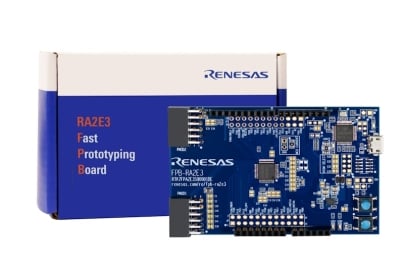
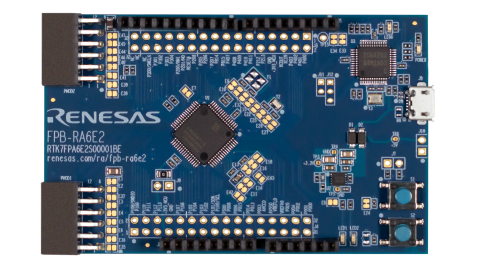
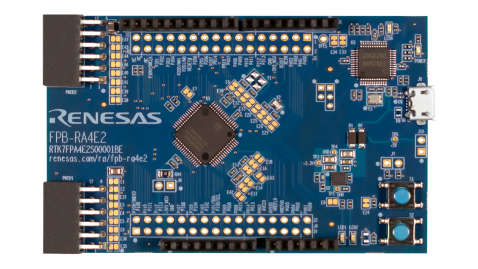
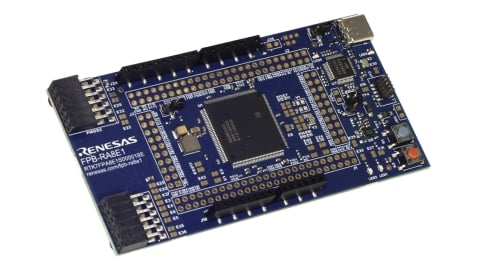
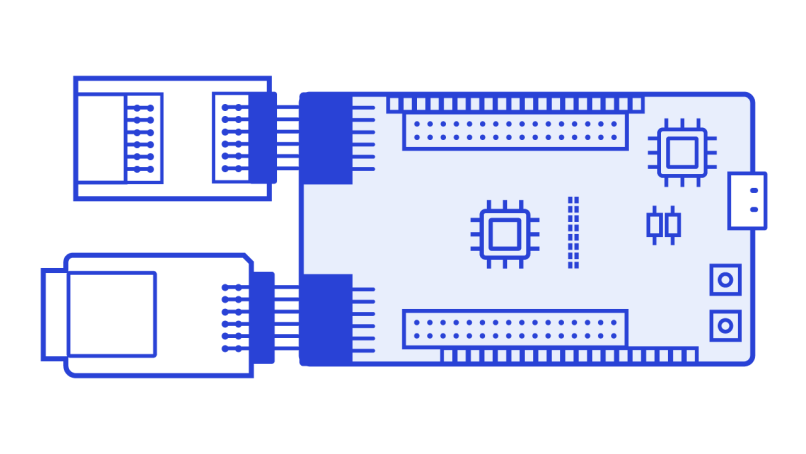
Expand: Add Modular Hardware for Your Application
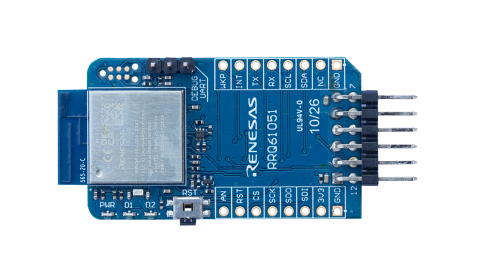
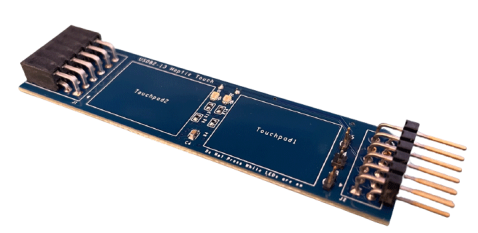
Elevate: Accelerate with Reusable Software Building Blocks
Modular, use case-driven software for rapid development of real-world applications. Reuse it across projects and compatible hardware to move from evaluation to system design faster.
| Software Building Block | Description |
|---|---|
| Servo PWM Motor Control | Control hobby servo position using an easy-to-integrate PWM interface. |
| LED Brightness Control | Create smooth, configurable LED dimming using PWM control. |
| NFC Card Reader Using PTX105R | Read NFC Type A, Type B, Type F, and Type V cards and tags using the PTX105R. |
| Bluetooth LE Beacon Broadcasting | Broadcast low-power, real-time identification, location, or status data using Bluetooth LE beaconing. |
| Sensor Data Transmission Over Bluetooth LE | Transmit real-time sensor data to mobile or connected applications over Bluetooth LE. |
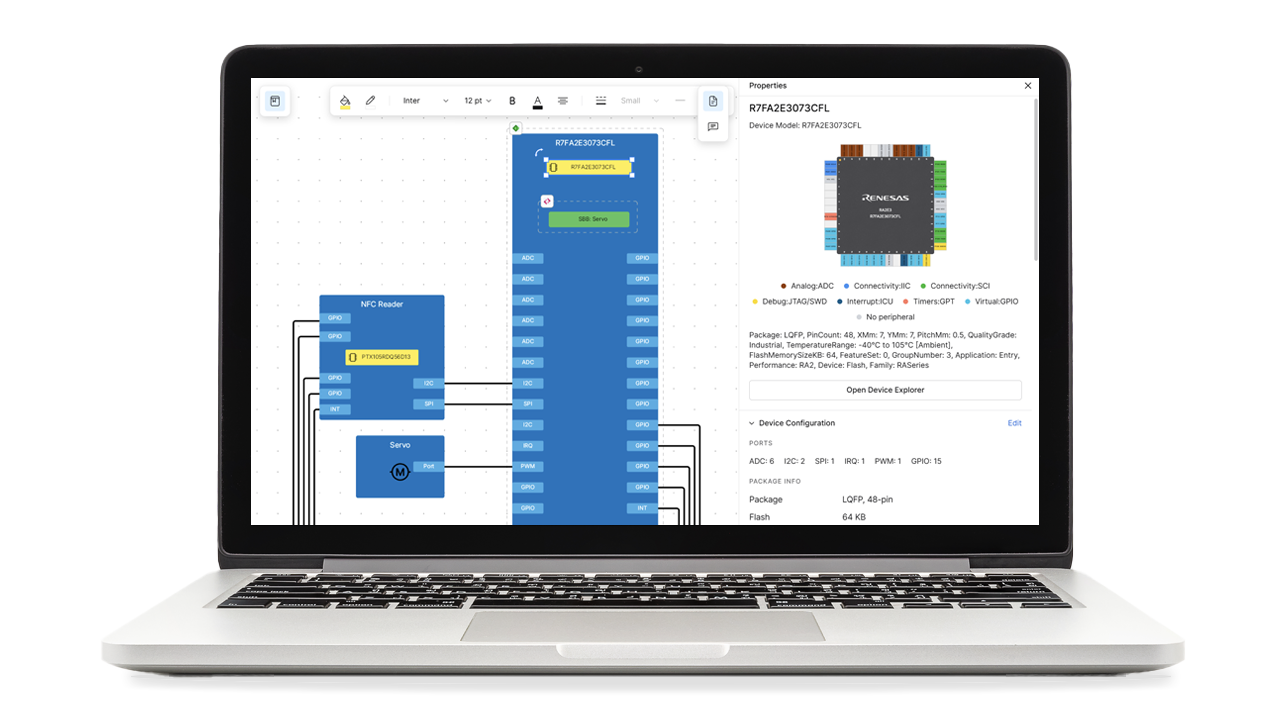
Design & Prototype in Renesas 365
Xplore assets are delivered through Renesas 365, connecting hardware, software, documentation, and technical resources in one environment to accelerate development from exploration to prototype.
Frequently Asked Questions
What is Xplore?
Xplore is a developer hub integrated with Renesas 365 that makes it easy to discover, evaluate, and develop with Renesas technologies. It brings together affordable evaluation hardware, reusable software building blocks, ready-to-evaluate solution projects, development tools, documentation, videos, and hands-on resources in a modern and connected development experience. Rather than starting with isolated components, developers can begin with real-world applications and efficiently progress from evaluation to system design.
Who is Xplore for?
Xplore is designed for users across markets, including developers, innovators, product teams, students, and existing Renesas customers. It supports users who are exploring a new idea, evaluating Renesas technology, building a proof of concept, or looking for reusable foundations for a product design. The Xplore application-focused approach is relevant across industrial, smart home and building automation, consumer, IoT and connected devices, and general embedded systems.
What is the relationship between Xplore and Renesas 365?
Xplore is the developer hub, while Renesas 365 is the digital development platform through which the Xplore experience is delivered. Xplore provides the application-focused hardware, software, and solution assets. Renesas 365 connects those assets in one modern and connected environment for discovery, documentation, system design, development, and collaboration. Together, they create a continuous path from application idea to evaluation and implementation.
What hardware do I need?
The required hardware depends on the application or capability you want to evaluate. A typical setup starts with an affordable Renesas MCU Fast Prototyping Board and adds compatible expansion boards for functions such as connectivity, sensing, analog, power, motor control, or HMI. Each Xplore solution project links to related board information and resources, so you can start with only the hardware needed for your use case.
Can I move from Renesas 365 to local development tools?
Yes. You can begin in Renesas 365 to discover a solution, review the system design, access the pre-built project, and evaluate it on hardware. When you are ready for deeper customization, you can seamlessly open the project in your local Visual Studio Code environment with the relevant Renesas extensions and continue developing on your computer. This provides a practical transition from cloud-based evaluation to a familiar local development workflow.
Can I reuse software from one project in another?
Yes. Xplore software building blocks are designed to be modular and reusable for targeted application use cases and subsystems. They combine Renesas technology and implementation knowledge so that common capabilities can be reused across compatible applications and projects, reducing repeated engineering effort.
How do I know which board to use?
Start with the application or function you want to build, not just a device part number. In the Xplore solution projects, review the recommended MCU boards, required expansion boards, and software building blocks. All the relevant resources and documentation are made available on renesas.com and the Renesas 365 development platform.
Support

Get quick technical support online from Renesas Engineering Community technical staff.

Browse our knowledge base for helpful articles, FAQs, and other useful resources.