
Overview
Description
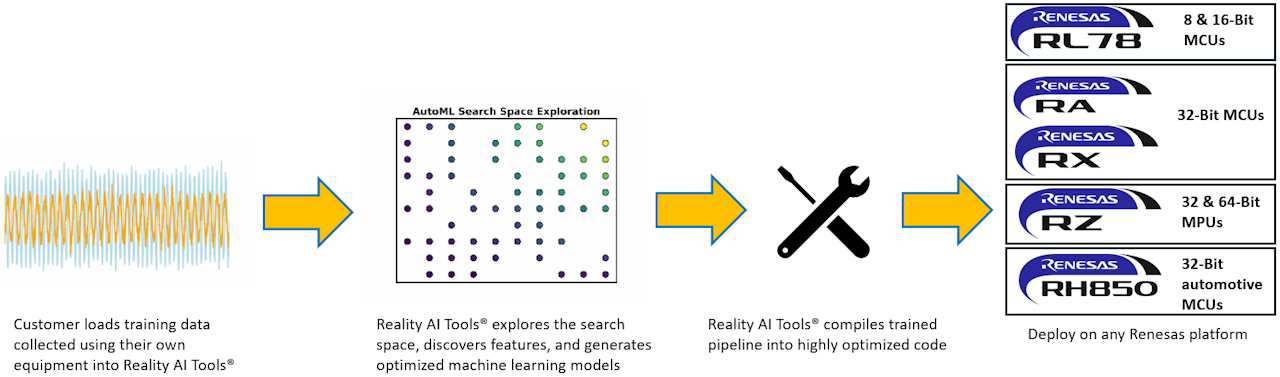
Reality AI Tools® allows engineers to generate and build TinyML/Edge AI models based on advanced signal processing. Users can automatically explore sensor data and generate optimized models. Reality AI Tools contains analytics to find the best sensor or combination of sensors, locations for sensor placement, and automatic generation of component specs and includes fully explainable model functions in terms of time/frequency domains, and optimized code for Arm® Cortex® M/A/R implementations.
Try Reality AI Explorer to experience firsthand how Reality AI Tools can help you develop AI and TinyML solutions in industrial, automotive and commercial applications.
 AI Explore
Automated Feature Exploration/Model Generation
 BOM Optimization
Use AI to find the most cost-effective components
 Data Readiness
Understand the state of training and testing
 Edge AI/TinyML
Super-compact, efficient code for the smallest MCUs
 Optional
Target Devices
Design & Development
Explore
Videos & Training
Explore embedded AI with Saud as he reveals methods for optimizing models on low‑power MCUs and MPUs. Learn how quantization, heterogeneous computing, and advanced optimization techniques make real‑time analytics, vision, and voice possible at the edge. Saud also demonstrates how Renesas solutions like RUHMI and Reality AI Tools streamline deployment for developers working under tight resource constraints.
Events & Webinars

News & Blog Posts
AI-Driven Feature Discovery
Features are mathematical descriptions of "things that matter" for purposes of telling the difference between classes, predicting a variable, or detecting anomalies.
Features searched by Reality AI Tools® include:
- Common transforms on raw data, including logs, powers, derivatives, signs, and more
- Parametric statistical features and peak analysis
- Spectral features, including power, phase, spectral shape, periodicity, cepstral, wavelet, etc.
- Linear and non-linear dimensionality reduction
- Time-frequency sparse coding and time pattern analysis
- Binary pattern and texture analysis
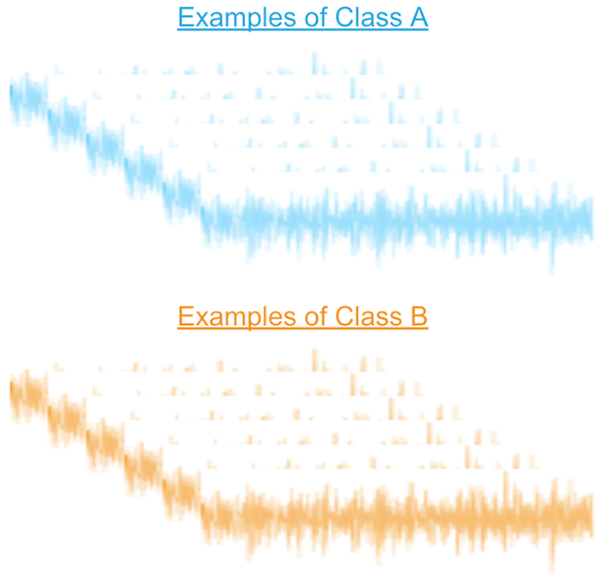
Automatically Explores Sensor Data and Generates Optimized Models
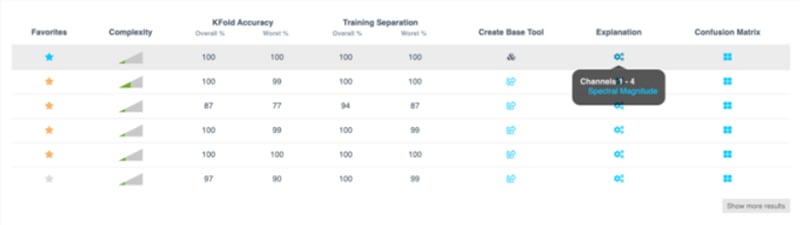
AI Explore
AI Explore automatically finds alternative solutions and tells you what it found.
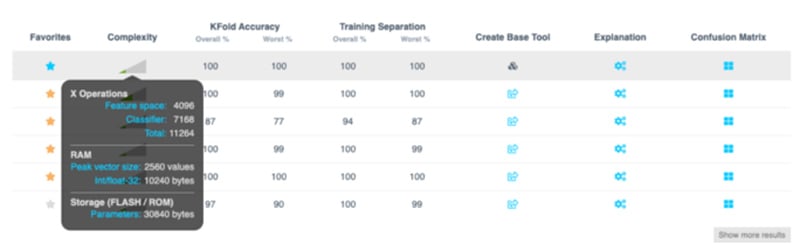
Additionally, the processing requirements for each possible solution can be shown so you can make necessary trade-offs.
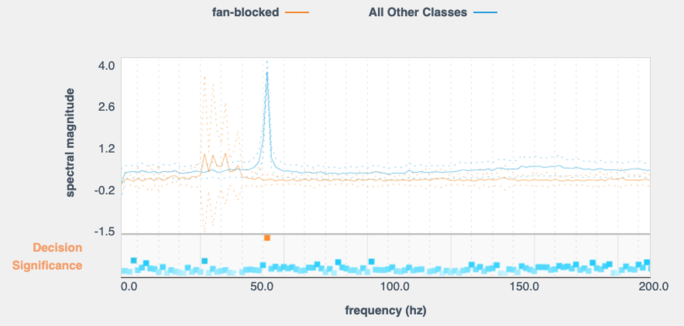
Explainable AI
With Explainable AI, specific class signatures can be inspected in terms engineers understand.
Sensor Selection
Identify the best performing sensors, and the best, most cost-effective locations.

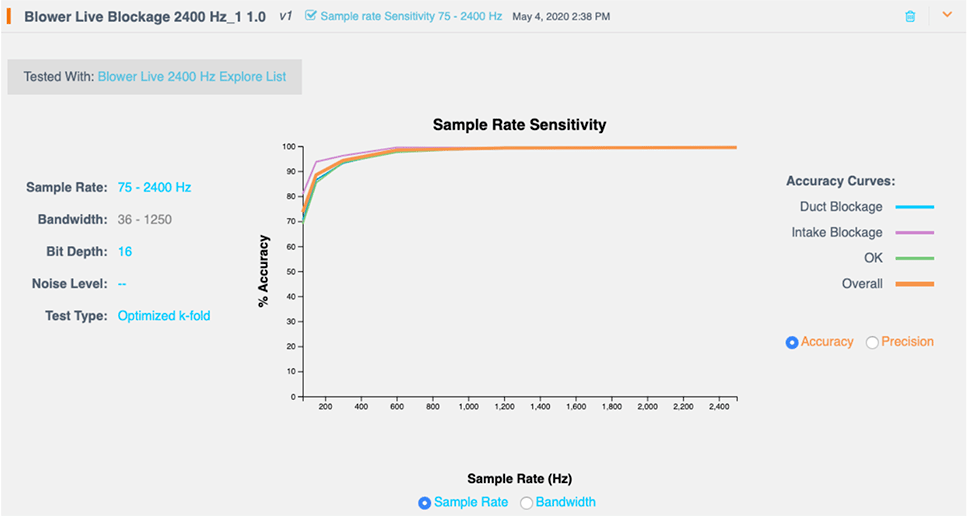
Setting Specifications
Use AI to set minimum component specifications.
Automated Monitoring
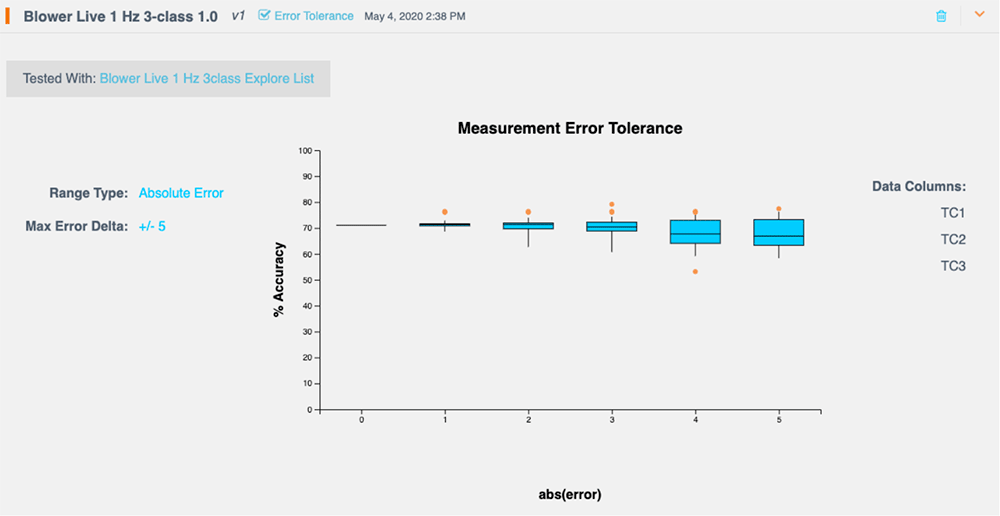
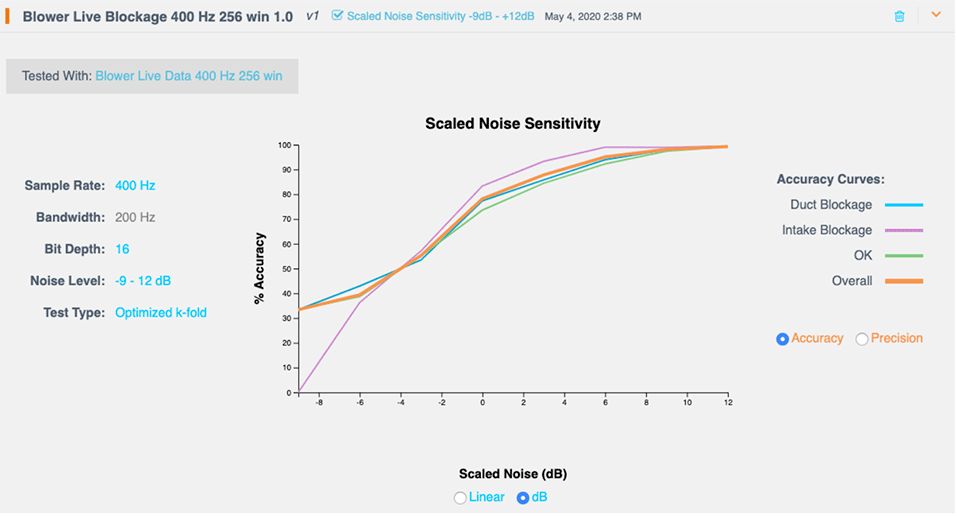
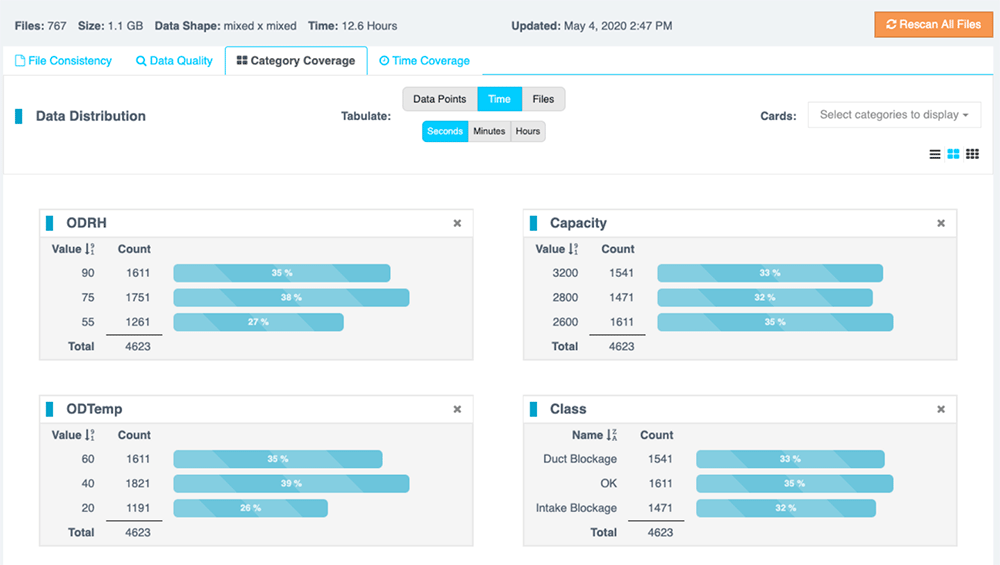
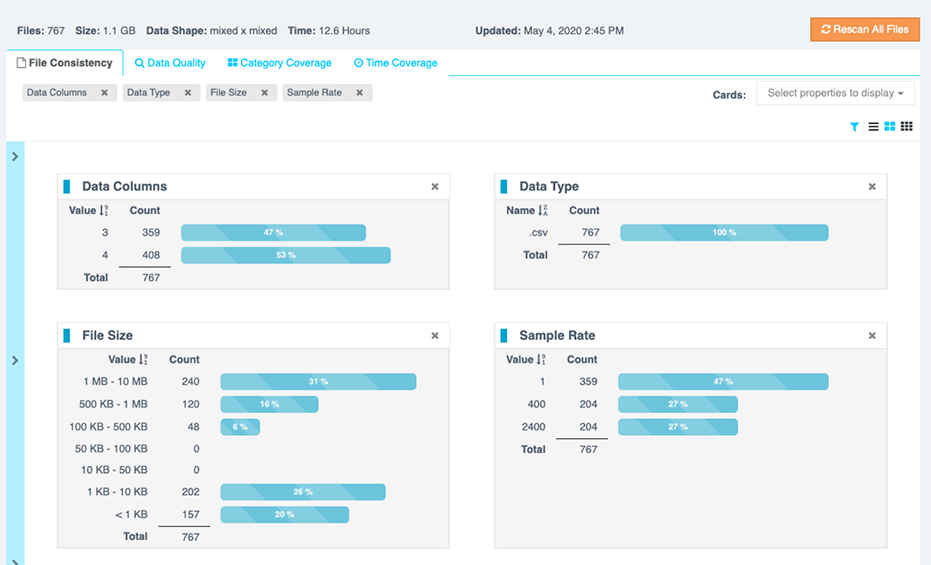
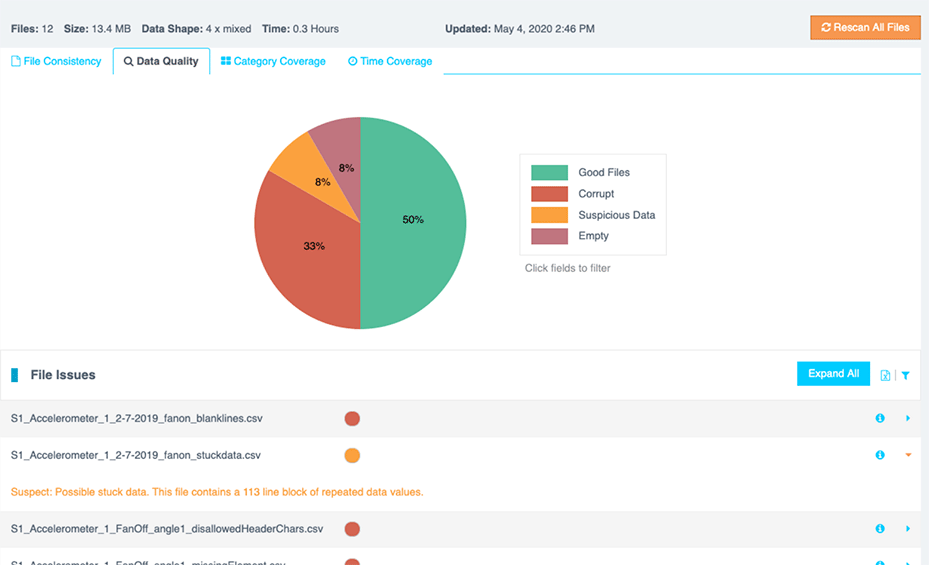
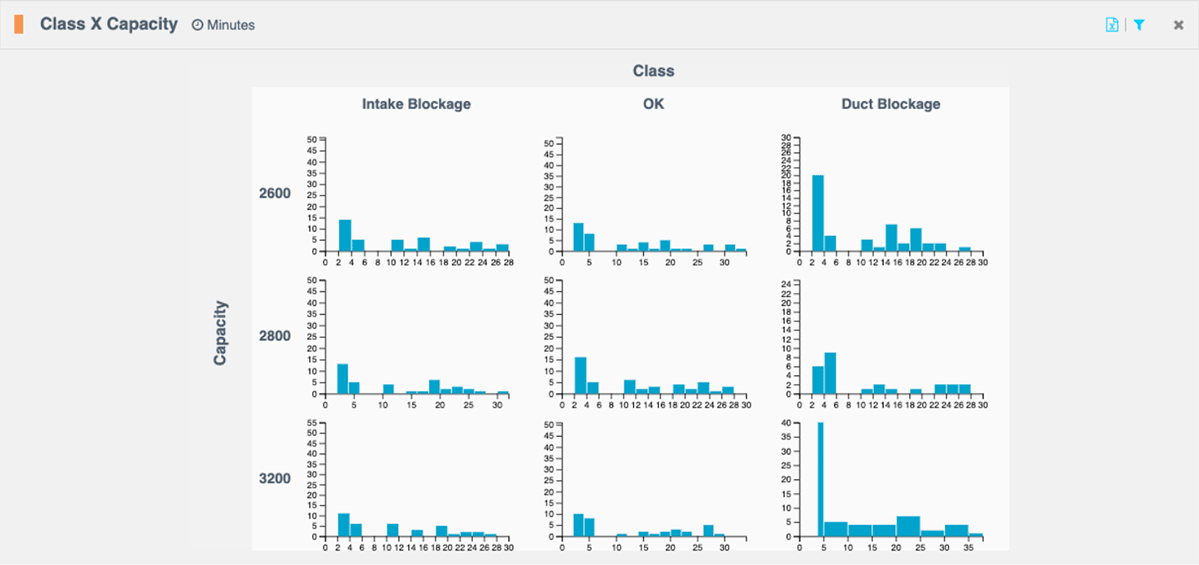
The cheapest problems to fix are the ones you catch early. Reduce the cost of data collection through automated monitoring for common pitfalls.
Easy Integration
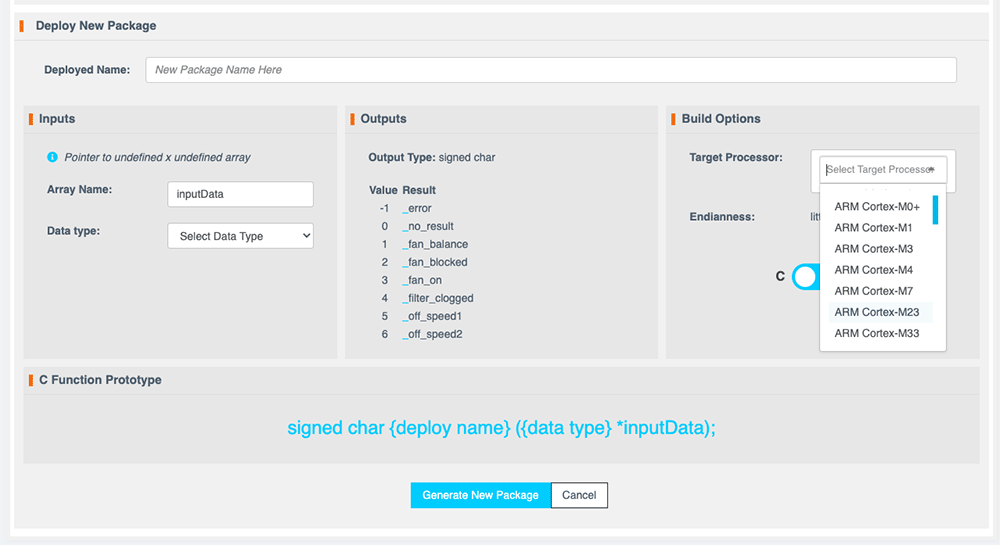
Easily integrate Reality AI Tools with your firmware build. Reality AI Tools supports Arm® Cortex® M, R and A architectures from all major manufacturers, as well as Linux and Windows. Many non-Arm architectures are also supported. Ask us about your target processor.
Add-ons for Reality AI Tools
Reality AI for MATLAB
Read MATLAB data files, and use Reality AI to generate models for the MATLAB Signal Processing and Machine Learning toolboxes. Full transparency of MATLAB code - See the details of optimized feature computations and machine learning models generated by Reality AI.
Reality AI for Radar
Automatically select and optimize radar pre-processing options for greater model accuracy. For professional developers working with radar.

Use Cases
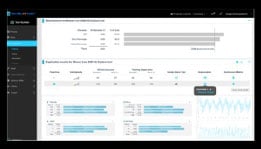
Reality Time Analysis
Use our analytics engine to support hardware design (not just algorithms and model building)
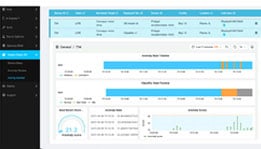
Anomaly Detection
Reality AI software helps you detect anomalies by learning normal behavior. You can use the built-in anomaly detection and condition monitoring dashboard, or create your own.

Predictive Maintenance & Remaining-Useful-Life
Predict the remaining useful life of components (filters, etc.), identify operational conditions, and detect abnormal conditions.
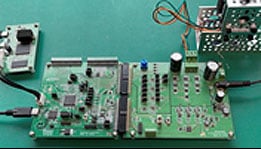
Sensorless Sensing with Motor Control
Develop predictive maintenance applications with no addition to the Bill of Materials - only a firmware upgrade to the motor control board.
Resources
Support
Support Communities
- Is the Reality Al Tools always on-line? Is there local version of the Reality AI Tools?
I just got the credential for 30 day trial Demo for the Reality AI. I can use the portal and it seems that I can define my projects and run different tools there. It seems that there is no local installation of the Reality AI tools. Is this always the ...
Sep 11, 2024 - Questions about Sign Up for Reality AI Tools Explorer Tier
hi,I submitted an application for a Reality AI account through Reality AI | Renesas Electronics some time ago, but I have not yet received any account information. Could you please let me know if it is still possible to apply for a Reality AI account and when I might expect ...
Aug 19, 2024 - Sign Up for Reality AI Tools Explorer Tier
I submitted an application for a Reality AI account through info.renesas.com/reality-ai some time ago, but I have not yet received any account information. Could you please let me know if it is still possible to apply for a Reality AI account and when I might ...
Aug 19, 2024
Knowledge Base
- How does Reality AI Tools® software work to create embedded machine learning models?
Experienced machine learning practitioners know: If you have the right features, almost any machine learning algorithm will find what you’re looking for with about the same accuracy. The Reality AI approach is based on this fundamental insight: It’s all about the features. Reality AI Tools software is based ...
Oct 27, 2022 - What kinds of sensors does Reality AI Tools® software support?
Reality AI Tools® software works with most kinds of sensor data, but works best with sensor data collected with high sample rates, like accelerometer data, vibration, sound, current, voltage, RF, and other data that one might describe as “waveforms.” Reality AI can use data collected with lower frequency, and ...
Oct 27, 2022 - How many sensor data channels can I use with Reality AI Tools® software?
Reality AI Tools software does not contain a hard limit on the number of sensor data channels. Practically speaking though, the computing constraints of your target environment will put an effective limit on the number of channels you employ – RAM in particular. The RAM requirements of a machine learning model ...
Oct 27, 2022

Support Communities

