Renesas Electronics Corporation - June is Pride Month, a month to raise awareness of the rights and the culture of the LGBTQ+ community

QuickConnect Platform

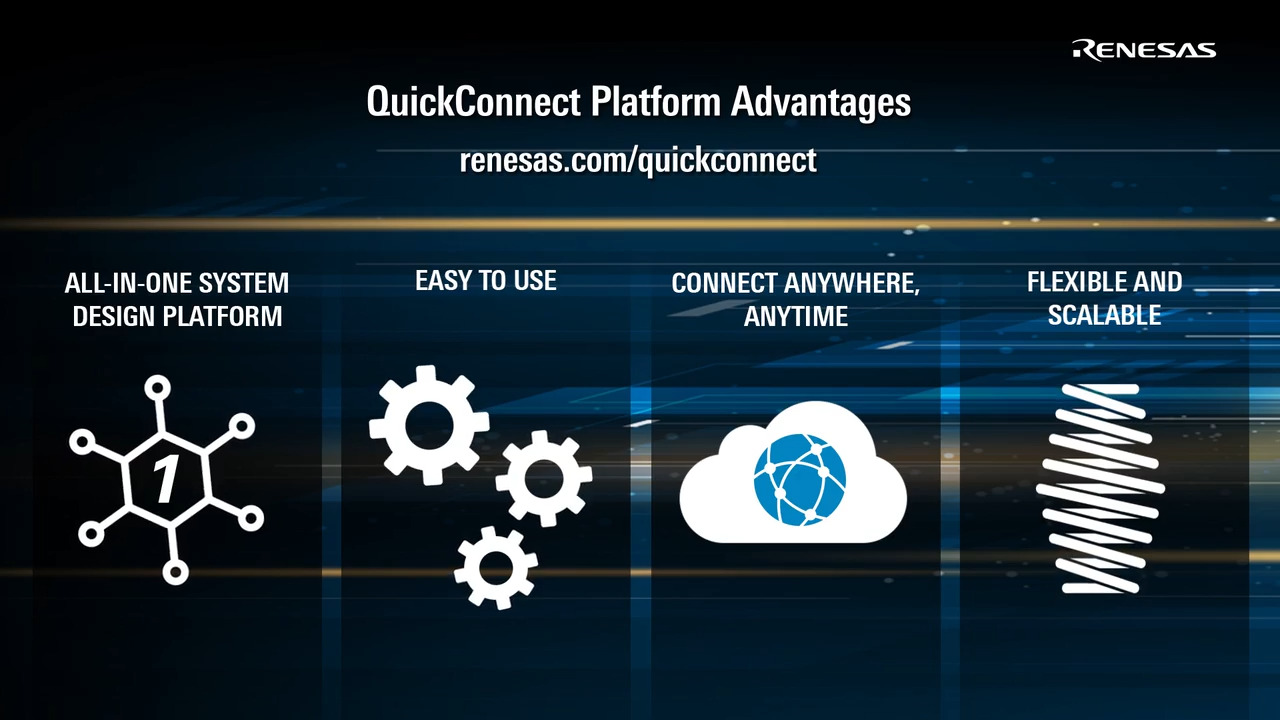
QuickConnect simplifies the development of electronic systems by using standardized hardware and software building blocks.

QuickConnect Studio, a cloud-based design platform, facilitates visual construction of hardware and software, accelerating prototype validation and product development. Engineers can drag and drop hardware device blocks, and the platform auto-generates code. Additionally, it supports real-time code customization and remote debugging, enabling iterative testing before deploying physical boards.

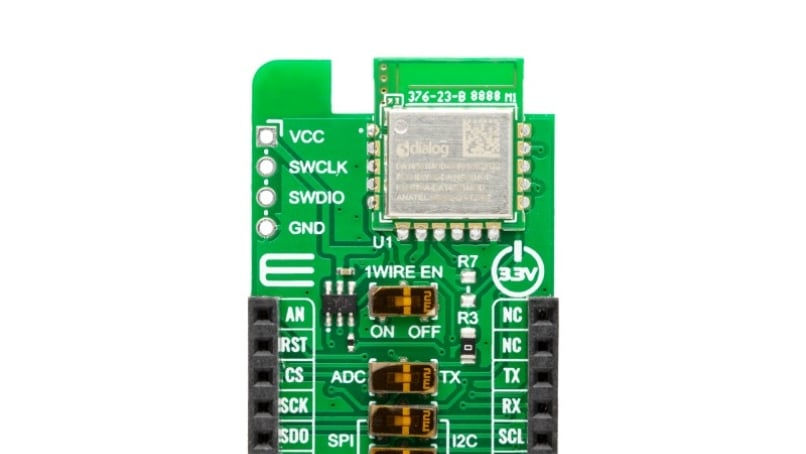
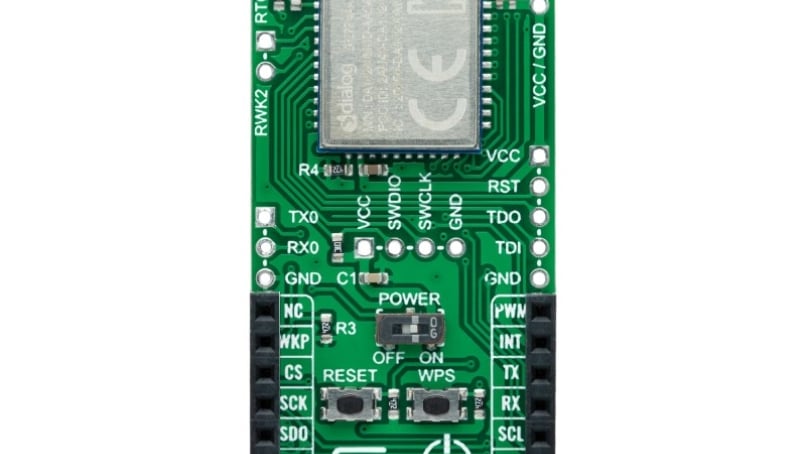
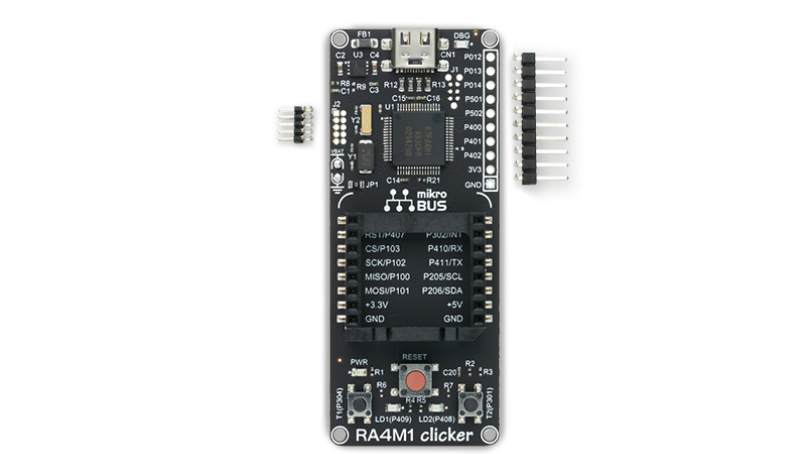
QuickConnect Boards are the physical boards with standardized connectors that enable rapid prototyping and testing by eliminating compatibility issues.
Video Player is loading.
Current Time 0:00
Duration 0:00
Loaded: 0%
Stream Type LIVE
Remaining Time 0:00
 
1x
  • Chapters
  • descriptions off, selected
  • captions off, selected

      Rapid Prototyping

      Access a fast, modular system of sensors, connectivity and MCU/MPU evaluation boards for rapid prototyping.

      Hardware Compatibility

      Enjoy hardware compatibility with standardized Pmod™, mikroBUS™ and Arduino interfaces that eliminate compatibility issues and simplify the design process.

      Reduce Code Development

      Save time and effort with pre-integrated sensor libraries and automatic code generation.
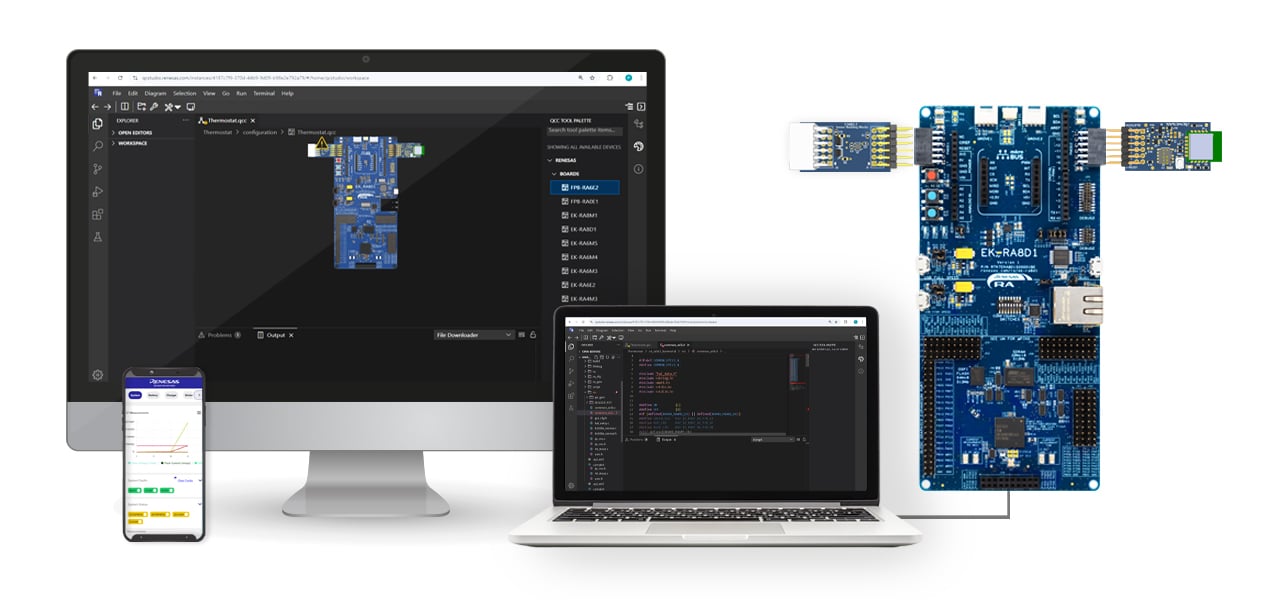
      Launch QuickConnect Studio

      The Development Process

      Image
      QuickConnect Platform Ecosystem

      Start the project on QuickConnect

      Co-optimize hardware and software development with QuickConnect Studio

      Drag and Drop Interface

      Intuitive interface with built-in Hardware and software compatibility checks

      Generate and compile code

      Reduces system code development time

      Real-time code customization

      Flexible and robust system allows customization real-time

      Debug and Test Remotely or Live

      Iterate your design before testing with remote debugging or get the boards to test live

      Type Title Date
      Manual - Development Tools PDF 384 KB
      The QuickConnect Studio (QCS) v1.7.0 release introduces architectural enhancements and an updated project management system.
      Manual - Development Tools PDF 317 KB
      The Remote Debug feature allows developers to debug embedded applications running on remote hardware boards, and it connects the QCS workspace to Renesas evaluation kits deployed in secure board farms worldwide. This manual provides procedures for starting and terminating a session and other common debug operations.
      Manual - Development Tools PDF 449 KB
      With the GitHub Extension for Renesas QuickConnect Studio Platform, users can push, pull, and sync QuickConnect projects with GitHub from the QCS Workspace. This allows developers to streamline collaboration, version control, and CI/CD automation. The manual reviews the procedures for signing into, publishing, committing, cloning, and signing out of GitHub.
      Manual - Development Tools PDF 816 KB
      The Direct Debug feature allows developers to debug on the Renesas RA MCU hardware kits directly from a browser window. There is minimal setup so that users can plug in an evaluation kit, open the QuickConnect platform, design an application, and start debugging instantly.
      Manual - Development Tools PDF 1.14 MB
      The QuickConnect Studio Platform enables developers, educators, and engineers to create, configure, compile, and debug embedded applications entirely within a web browser. It integrates hardware kits, middleware, and driver stacks and features automated project generation with a drag-and-drop system that provides real-time hardware compatibility checks.
      Release Note PDF 215 KB
      Manual - Development Tools PDF 6.10 MB
      Application Note PDF 1.15 MB
      AI-generated Summary: The QuickConnect Beginners Kit enables rapid IoT solution development by publishing sensor data to an AWS MQTT server. It supports two modes: Sensor mode, which collects environmental data from sensors like temperature, humidity, and air quality, and Voice Recognition mode, which detects a 1kHz voice signal using a digital microphone. The kit integrates hardware components such as RA6E2 MCU, DA16600 Wi-Fi/Bluetooth module, various sensors, and software tools including firmware, mobile apps for Wi-Fi provisioning, and MQTT clients for data monitoring. Network configuration is performed via a mobile app, allowing seamless connection to routers. The kit facilitates real-time sensor data transmission and monitoring through MQTT topics on AWS.
      Quick Start Guide PDF 1.47 MB
      PCB Design Files
      Log in to Download ZIP 18.85 MB
      Manual - Development Tools PDF 1.54 MB
      11 items