メインコンテンツに移動
ルネサス エレクトロニクス株式会社 (Renesas Electronics Corporation) - 6月はプライド月間として、LGBTQ+の権利や文化、コミュニティについて啓発する世界的な活動月間です

QuickConnectプラットフォーム

QuickConnectは、標準化されたハードウェアおよびソフトウェアのビルディングブロックを使用して、電子システムの開発を簡素化します。

クラウドベースの設計プラットフォームであるQuickConnect Studioは、ハードウェアとソフトウェアの視覚的な構築を容易にし、プロトタイプの検証と製品開発を加速します。 エンジニアはハードウェアデバイスブロックをドラッグアンドドロップでき、プラットフォームはコードを自動生成します。 さらに、リアルタイムのコードカスタマイズとリモートデバッグをサポートしているため、物理ボードをデプロイする前に反復的なテストを行うことができます。

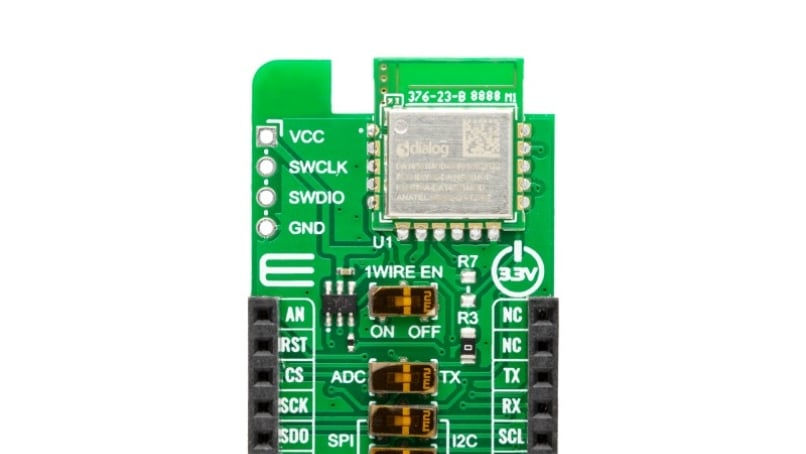
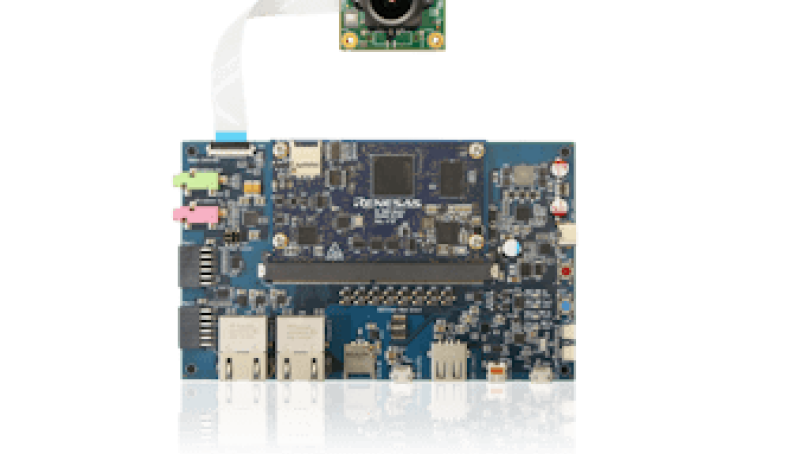
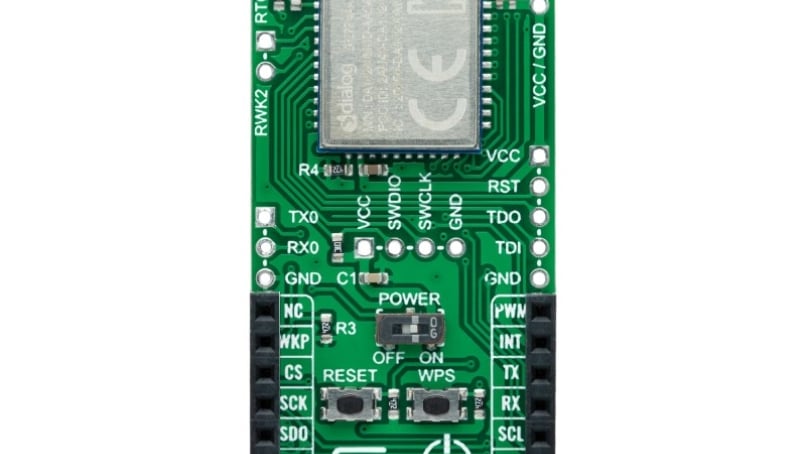
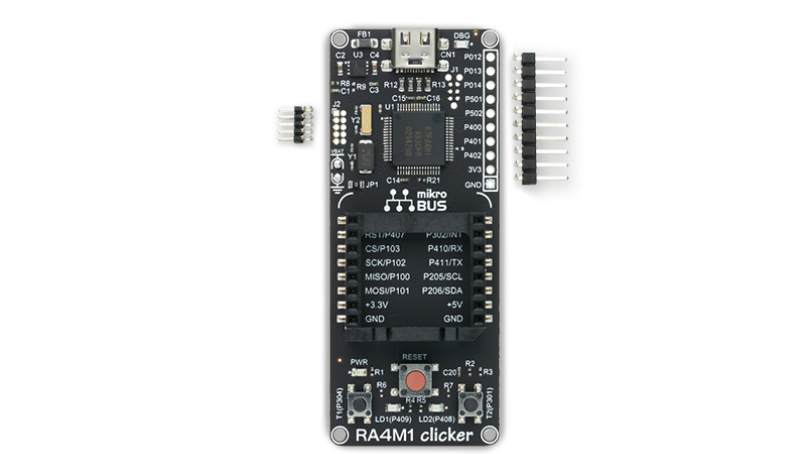
QuickConnectボードは、互換性の問題を排除することで迅速なプロトタイピングとテストを可能にする標準化されたコネクタを備えた物理ボードです。
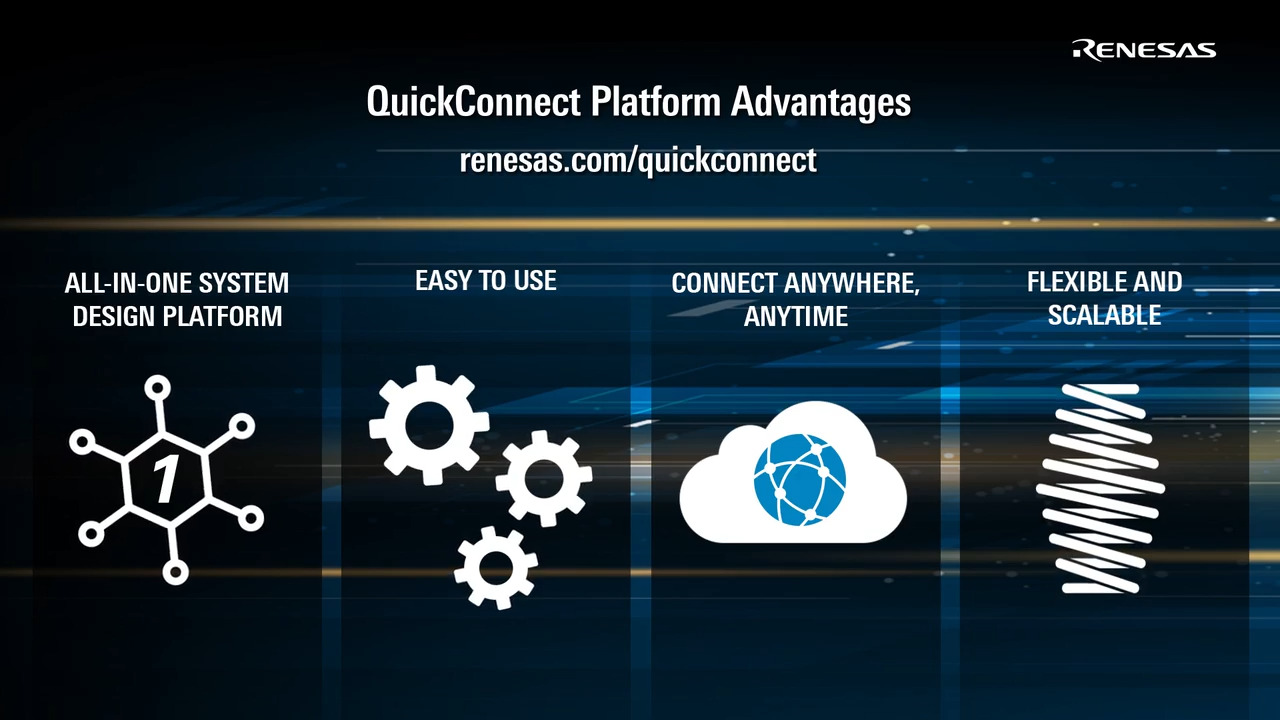
Video Player is loading.
Current Time 
Duration 
Loaded: 0%
Stream Type LIVE
Remaining Time 
 
1x
  • Chapters
  • descriptions off, selected
  • subtitles off, selected

      ラピッドプロトタイピング

      ラピッドプロトタイピング用のセンサ、コネクティビティ、MCU/MPU評価ボードの高速モジュラーシステムにアクセスできます。

      ハードウェアの互換性

      標準化されたPmod™、mikroBUS™、Arduinoインターフェースによるハードウェア互換性により、互換性の問題を解消し、設計プロセスを簡素化します。

      コード開発の削減

      事前に統合されたセンサーライブラリと自動コード生成により、時間と労力を節約できます。
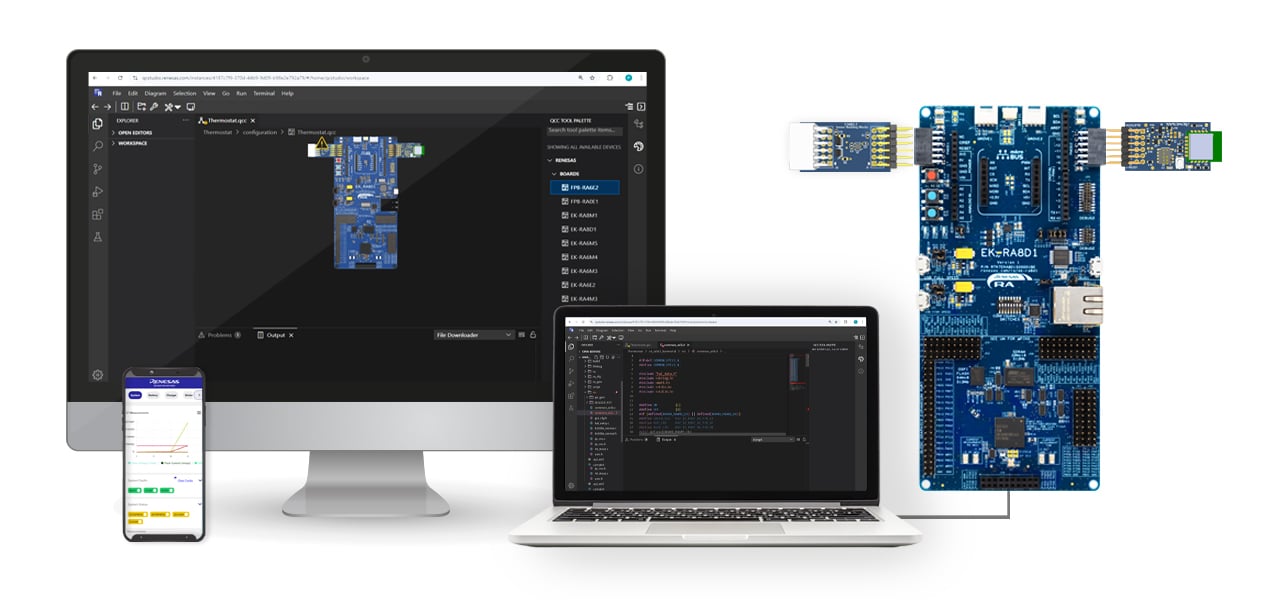
      QuickConnect Studioの起動

      QuickConnect ボードの検索

      The Development Process

      画像
      QuickConnect Platform Ecosystem

      Start the project on QuickConnect

      Co-optimize hardware and software development with QuickConnect Studio

      Drag and Drop Interface

      Intuitive interface with built-in Hardware and software compatibility checks

      Generate and compile code

      Reduces system code development time

      Real-time code customization

      Flexible and robust system allows customization real-time

      Debug and Test Remotely or Live

      Iterate your design before testing with remote debugging or get the boards to test live

      分類 タイトル 日時
      マニュアル-開発ツール PDF 384 KB
      The QuickConnect Studio (QCS) v1.7.0 release introduces architectural enhancements and an updated project management system.
      マニュアル-開発ツール PDF 317 KB
      The Remote Debug feature allows developers to debug embedded applications running on remote hardware boards, and it connects the QCS workspace to Renesas evaluation kits deployed in secure board farms worldwide. This manual provides procedures for starting and terminating a session and other common debug operations.
      マニュアル-開発ツール PDF 449 KB
      With the GitHub Extension for Renesas QuickConnect Studio Platform, users can push, pull, and sync QuickConnect projects with GitHub from the QCS Workspace. This allows developers to streamline collaboration, version control, and CI/CD automation. The manual reviews the procedures for signing into, publishing, committing, cloning, and signing out of GitHub.
      マニュアル-開発ツール PDF 816 KB
      The Direct Debug feature allows developers to debug on the Renesas RA MCU hardware kits directly from a browser window. There is minimal setup so that users can plug in an evaluation kit, open the QuickConnect platform, design an application, and start debugging instantly.
      マニュアル-開発ツール PDF 1.14 MB
      The QuickConnect Studio Platform enables developers, educators, and engineers to create, configure, compile, and debug embedded applications entirely within a web browser. It integrates hardware kits, middleware, and driver stacks and features automated project generation with a drag-and-drop system that provides real-time hardware compatibility checks.
      リリースノート PDF 215 KB
      マニュアル-開発ツール PDF 6.10 MB
      アプリケーションノート PDF 1.15 MB
      AI生成コンテンツ: The QuickConnect Beginners Kit enables rapid IoT solution development by publishing sensor data to an AWS MQTT server. It supports two modes: Sensor mode, which collects environmental data from sensors like temperature, humidity, and air quality, and Voice Recognition mode, which detects a 1kHz voice signal using a digital microphone. The kit integrates hardware components such as RA6E2 MCU, DA16600 Wi-Fi/Bluetooth module, various sensors, and software tools including firmware, mobile apps for Wi-Fi provisioning, and MQTT clients for data monitoring. Network configuration is performed via a mobile app, allowing seamless connection to routers. The kit facilitates real-time sensor data transmission and monitoring through MQTT topics on AWS.
      クイックスタートガイド PDF 1.47 MB
      PCB設計ファイル
      ログインしてダウンロード ZIP 18.85 MB
      マニュアル-開発ツール PDF 1.54 MB
      11件