
Overview
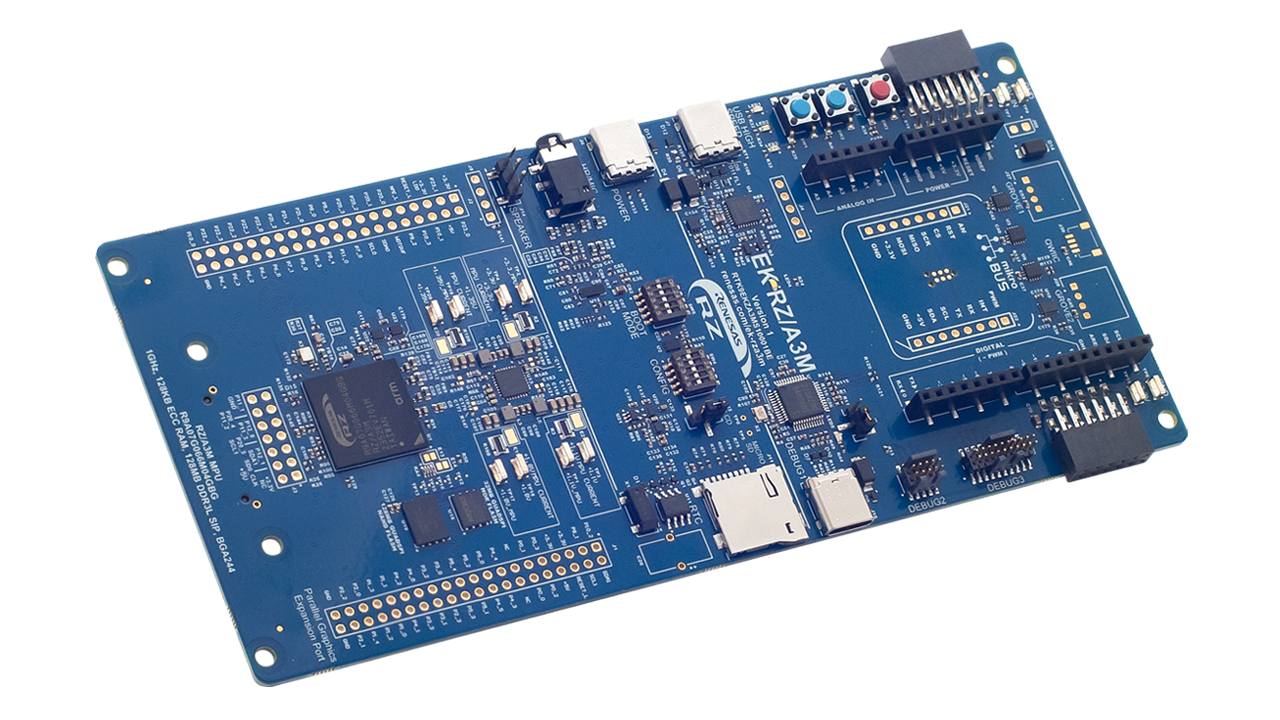
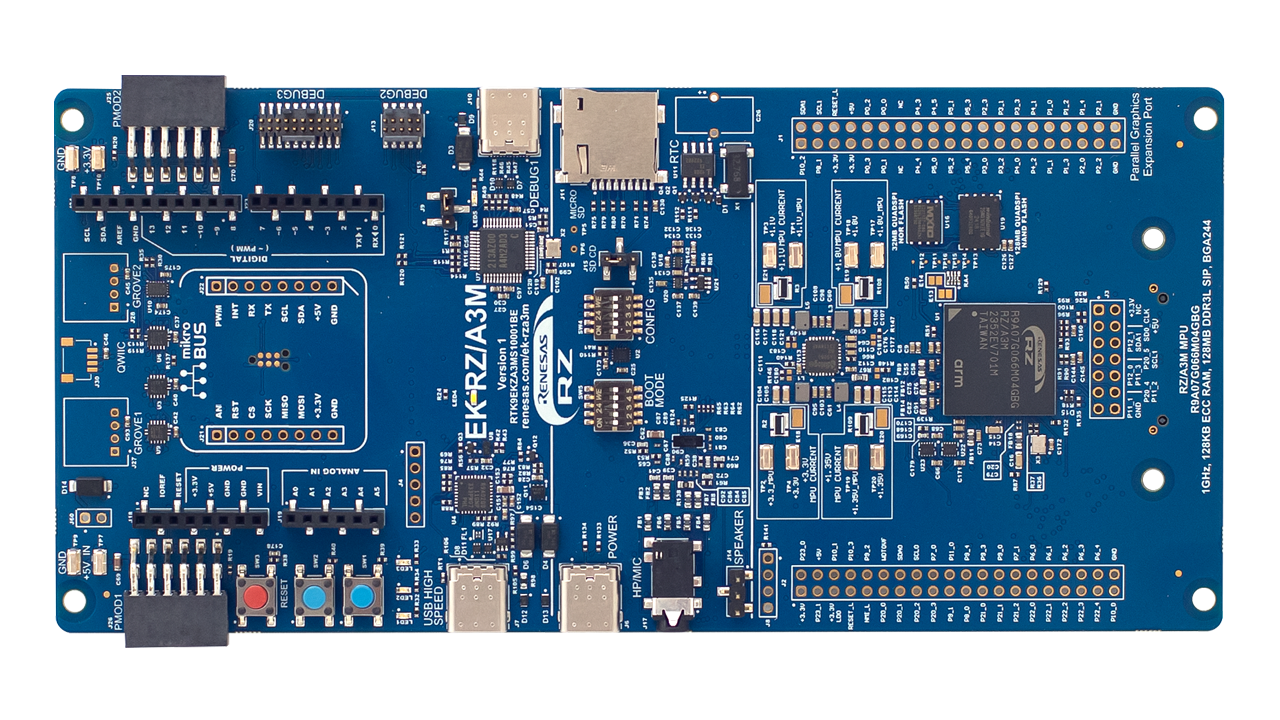
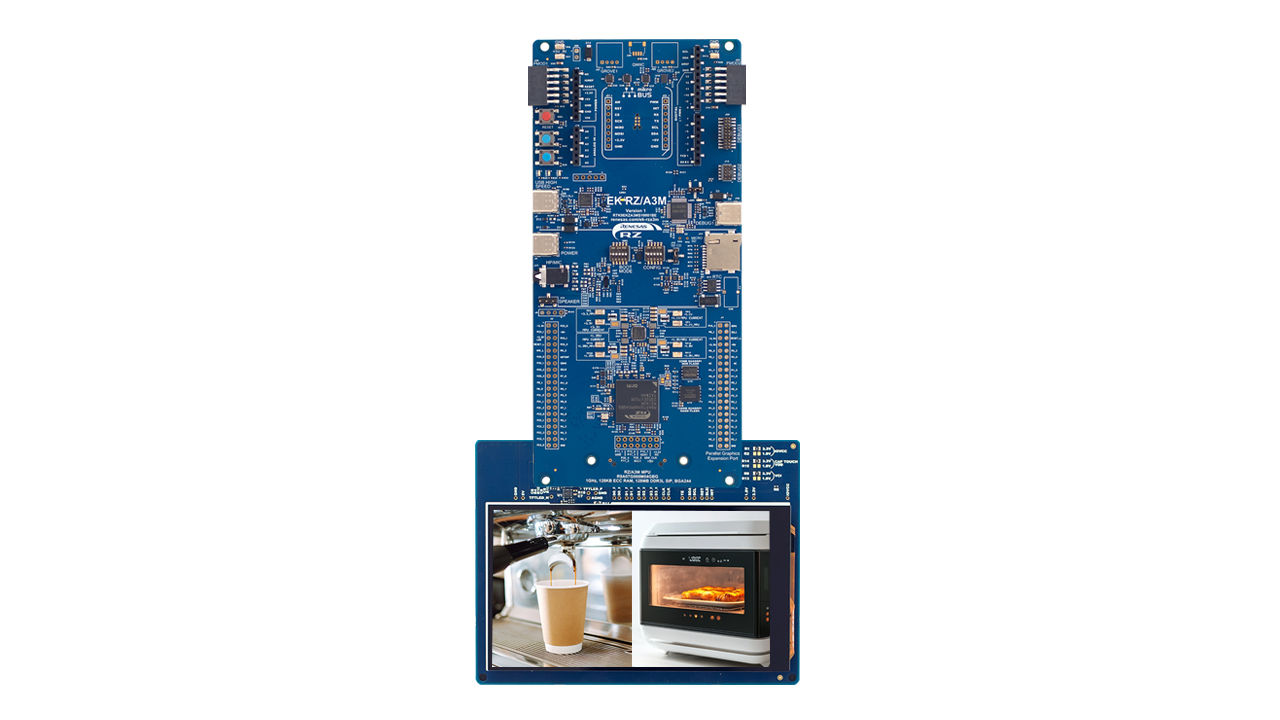
The EK-RZ/A3M evaluation kit enables users to easily evaluate the features of the RZ/A3M MPU. This kit includes an EK-RZ/A3M board, 5-inch 720x1280 pixel LCD MIPI graphics expansion board, and USB cables, allowing the seamless evaluation of high-definition human machine interface (HMI), camera input through USB, and more features. Equipped with an on-board J-Link debugger, users can conveniently start debugging without additional debuggers. Additionally, it also has several expansion connectors such as SDIO, PMOD, and Arduino to connect sensors, Wi-Fi, and Bluetooth® Low Energy (LE), allowing users to add more features without expanding the board space.
Features
- Special Feature Access
- MIPI DSI 4 lanes & parallel graphics expansion ports
- 5-inch MIPI LCD panel (720x1280 pixels)
- USB High-Speed Host & Device
- 32MB External QSPI NOR Flash
- 128MB External QSPI NAND Flash
- External sound codec
- External RTC
- MPU Native Pin Access
- R9A07G066M04GBG MPU
- 1GHz, Arm Cortex®-A55 core w/NEON extension
- Built-in 128MB DDR3L DRAM
- 128KB SRAM w/ECC
- 244 pins, BGA package
- Native pin access
- MPU & USB current measurement
- Ecosystem & System Control Access
- USB High-Speed Host & Device
- 5V input through USB (Debug, HS, USB-PD) or external power supply
- Debug on-board (Segger J-Link®)
- Debug external (SWD & JTAG)
- SCIF download (SWD)
- 3 user LEDs & 2 user buttons
- 2 SeeedGrove® system (I2C & analog)
- 2 Digilent Pmod™ (I2C, SPI or UART selectable)
- Arduino™ (Uno R3)
- MikroElektronika™ mikroBUS
- SparkFun® Qwiic® (I2C)
- MPU boot configuration switch
- Audio In/Out 4-pole
- MicroSD card slot
- Kit Contents
- EK-RZ/A3M board
- MIPI graphics expansion board
- USB cable (USB C to USB C)
- USB cable (USB A female to USB C)
- USB cable (USB A male to USB C)
- Screw and spacer for fixing the sub board

Products in the Design

| DA7212 | Ultra-Low Power Stereo Codec with 650µW Always-On Power Mode |
| DA9080 | Highly Integrated PMIC with 4 Bucks, 1 LDO & 8-Bit ADC in a QFN Package |
| ISL1208 | I2C Real-Time Clock/Calendar, Low Power RTC with Battery-Backed SRAM |
| ISL97682 | Compact 2-Ch LED Drivers with Phase Shift Control |
| SLG59M1639V | 5.5V, 45mΩ, 2A Dual-Channel Load Switch with Reverse Current Blocking |
Sample & Buy
RTK9EKZA3MS10001BE
Active| HTS (US): | 8471.50.0150 |
| ECCN (US): | 3A991.a.2 |
| SPQ: | 1 |
| Pb (Lead) Free: | No |
| Assembly Location: | UNITED KINGDOM |
Videos & Training
This video demonstrates how to use the EK-RZ/A3M board, featuring the RZ/A3M, to create a Blinky sample project. It also provides an introduction to utilizing the RZ/A Flexible Software Package.
Additional Videos
Support
Support Communities
- EK-RZ/A3M dev boards are shipping broken
I have bought EK-RZ/A3M from Mouser and it arrived with snapped connector and no external box damage. After spending three weeks with Mouser support they sent a replacement EK-RZ/A3M which has the same connector snapped off too. Product packaging is poor, Mouser support is ...
Sep 19, 2025 - EK RZ/A3M Kit user Bootloader
... /mcuboot functionality to the IPL given its loaded from offset 0 of my NOR Flash. Here are my project specifications in detail again: Board: EK-RZ/A3M NOR Boot (Exec with DDR SDRAM) Device: R9A07G066M04GBG Core: Core 0 Toolchain: GCC for Renesas RZ (A-Profile AArch64 bare-metal ...
Sep 8, 2026 - Missing dave_base.h in RZ/A FSP
When I add r_drw component to a working demo project for EK-RZ/A3M and try to compile it fails with an error that dave_base.h cannot be found. I cannot find dave_base.h anywhere. Where can I get it from?
Sep 8, 2025
Knowledge Base
- RZ Family: How to set up SquareLine Studio and LVGL environment on the EK-RZ/A3M
... you can check LVGL and SquareLine studio functionality or performance on EK-RZ/A3M after importing, building, and downloading the project on the e2studio. You can review the RZ/A3M GUI performance when you run the program on the EK-RZ/A3M. Suitable Products RZ/A3M
Sep 24, 2025

Support Communities

