
Overview
Description
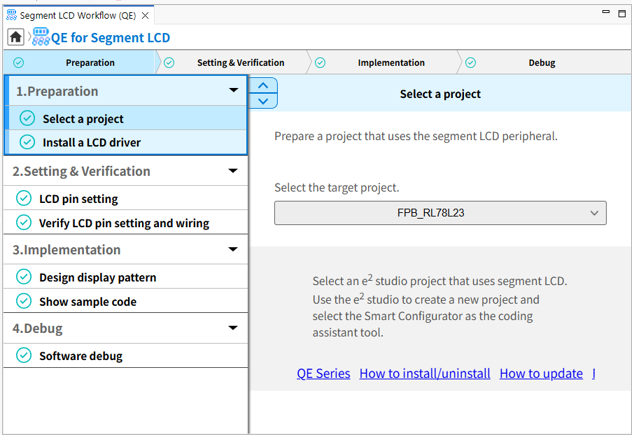
This development assistance tool supports the creation of display pattern and checking the wiring states which are required in the development of embedded systems that involve the use of segment LCDs.
This product is available free of charge.
Features
- Support for the development of software and hardware designs
- Easy creation of display pattern through GUI operations
- Easy checking of the wiring states through clicking operations
- Learn More
Release Information
| Product Name | Latest Ver. | Released | Target Device (Note1) | Operating Environment |
|---|---|---|---|---|
| QE for Segment LCD[RL78, RA] | V1.2.0 | Jul. 31, 2026 | RL78 Family RA Family | e² studio plug-in Operating Environment |
Notes
- For details on supported MCUs, refer to the section Target Devices.
Target Devices
Design & Development
Explore
Videos & Training
Learn how to use the QE for Segment LCD tool to configure and debug segment liquid crystal display (LCD) systems. We configure LCD pin settings, wiring tests, and display pattern design using the available tool functions. We demonstrate sample code generation and software debugging to validate operation. This workflow helps streamline segment LCD development and verification.
Additional Details
Features
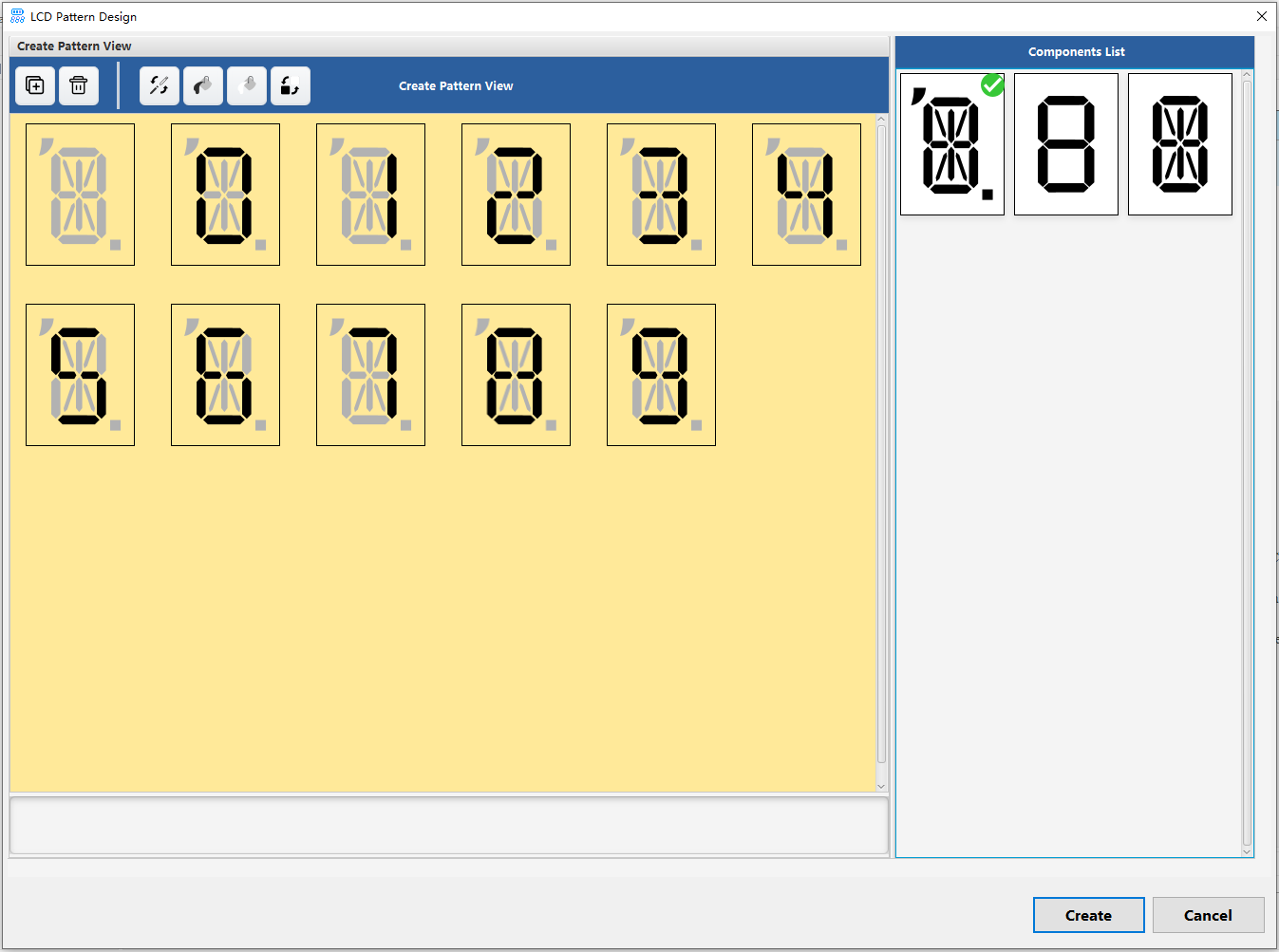
Easy creation of display pattern through GUI operations for beginners in development
Simple GUI operations enable the creation of a display pattern on segment LCDs. You can simply and quickly configure the system to display the desired pattern by generating an API which displays the created pattern and learning how to use the API with the aid of the sample code.
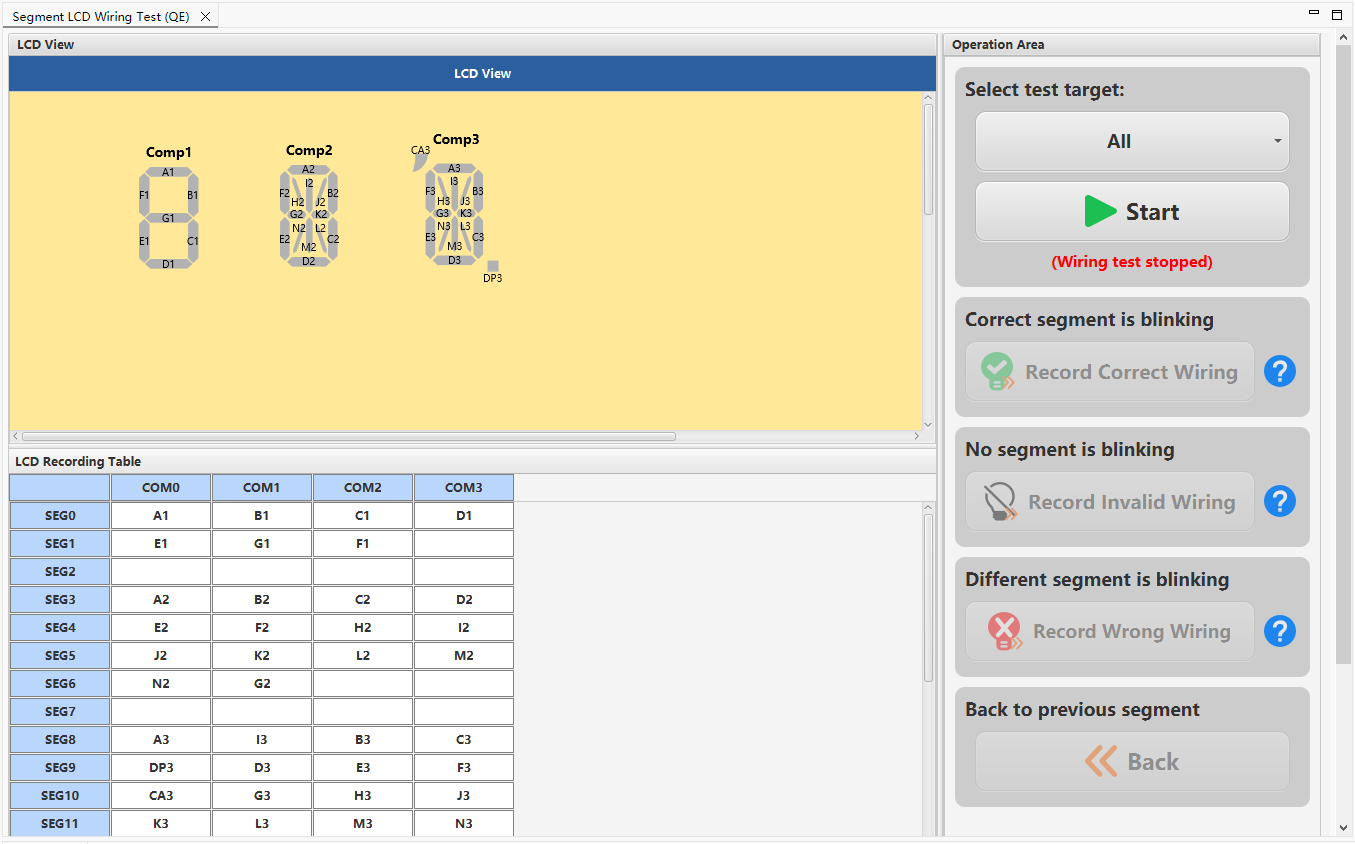
Wiring test between the segment LCD and the microcontroller
You can easily check the wiring states between the segment LCD and the microcontroller by making the various segments blink.
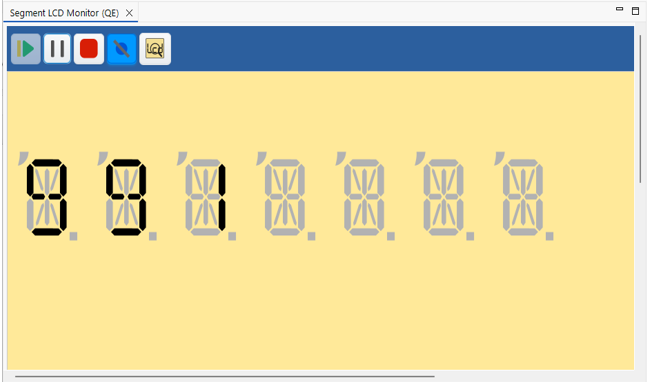
Software Debugging Function
This feature enables the simulation of displays on the LCD and debugging of programs even if a board equipped with an LCD is not available.
You can configure the desired display pattern on the LCD with segments in the [Configure Stop Condition] dialog box and set the timing to verify it as a checkpoint, easing the debugging of displays on the LCD.
The confirmed debugging tools
| Device | E2 emulator | E2 emulator Lite | J-Link |
|---|---|---|---|
| RL78 Family | ✔ | ✔ | |
| RA Family | ✔ | ✔ | ✔ |
Support

Support Communities

