
Overview
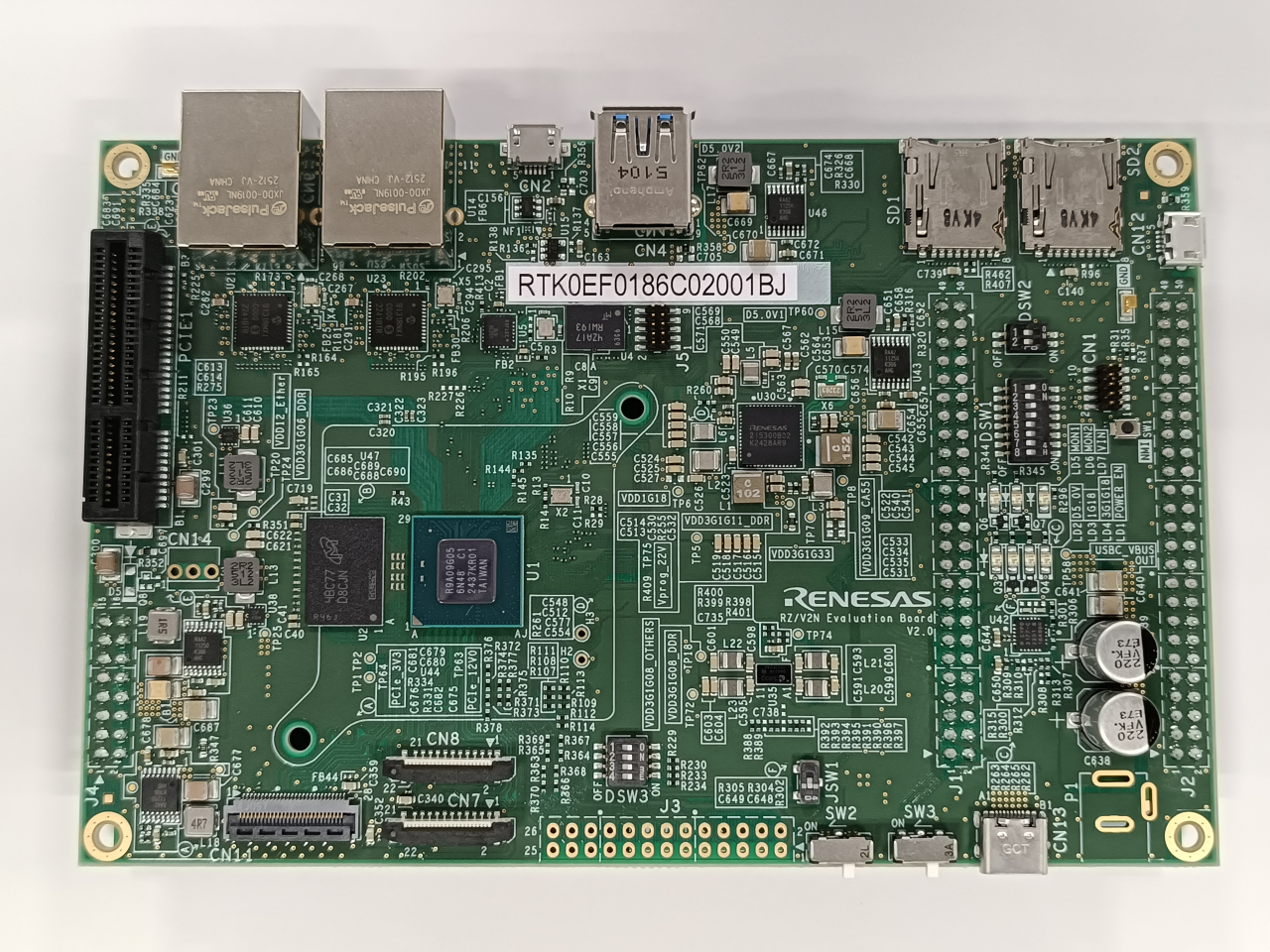
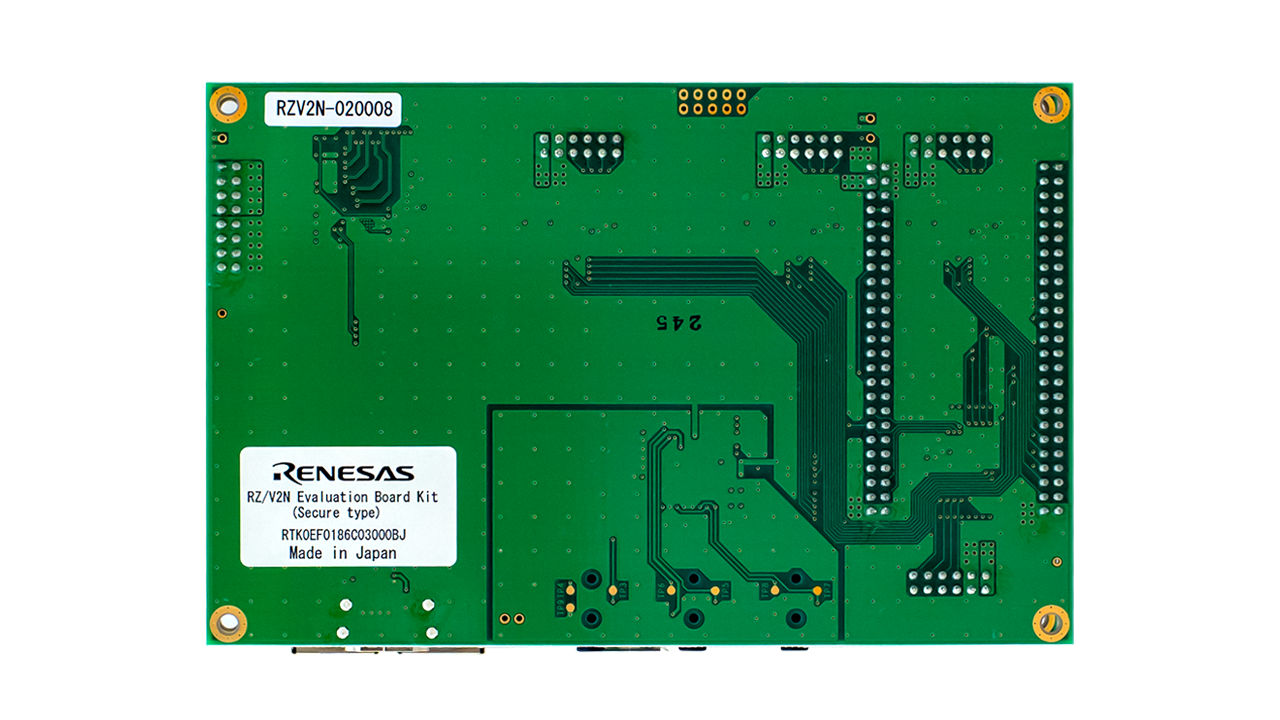
The RZ/V2N AI MPU Evaluation Kit V2.0 (RTK0EF0186C03001BJ) is used to evaluate our RZ/V2N quad-core vision AI MPU. The kit includes a CPU board and an expansion board (EXP board). V2.0 adds support for the DDR Suspend to RAM function, and the power supply circuit configuration has been changed accordingly. We provide an AI Software Development Kit (AI SDK) as the software development environment for this evaluation kit. It allows for the evaluation of low-power AI inference, video streaming, and other built-in features. If you are using an older version of the EVK, please refer to the V1.0 documentation.
Differences from the previous product (V1.0)
- Suspend to RAM function for DDR
- Ver1.0 (RTK0EF0186C03000BJ): Not available
- Ver2.0 (RTK0EF0186C03001BJ): Available
Features
- Device: RZ/V2N R9A09G056N48GBG
- Cortex-A55 x4, Cortex-M33 x1
- AI Accelerator DRP-AI3
- BGA, 15mm x 15mm 840-pin 0.5mm pitch
- RZ/V2N Evaluation Board (CPU Board):
- CPU: RZ/V2N
- PMIC: RAA215300A2GNP#HA7
- Clock generator: 5L35023B
- Main memory: LPDDR4X 8GB x1
- eMMC: 64GB
- xSPI Flash memory: 64MB
- External memory: microSD x2
- Board-to-board connector for sub boards
- High-speed interface:
- Gigabit Ethernet x2 ports
- USB 3.2 Gen2 x1ch (Host only)
- USB 2.0 x1ch (OTG)
- PCIe® Gen3 x1ch (x2 lanes)
- MIPI® CSI-2® x2ch
- MIPI DSI® x 1ch
- GPIO: 86 pins
- RZ/V2H-EVK Expansion Board (EXP Board): *Shared with RZ/V2H
- HDMI® Tx x1ch
- Audio auxiliary input connector x1ch
- Audio microphone input connector x1ch
- Audio headphone output connector x1ch
- Pmod™ x4
- Box Contents:
- RZ/V2N Evaluation Board V2.0
- RZ/V2H EVK Expansion Board
- Flexible cable for MIPI DSI
- Heat sink
- USB cable (Micro B - Type A)
- Rubber feet (set of 4)
- Notes
- AC adapter is not included. A standard USB Power Delivery adapter and cable supporting 60W power supply should be used with the platform.
Applications
Edge AI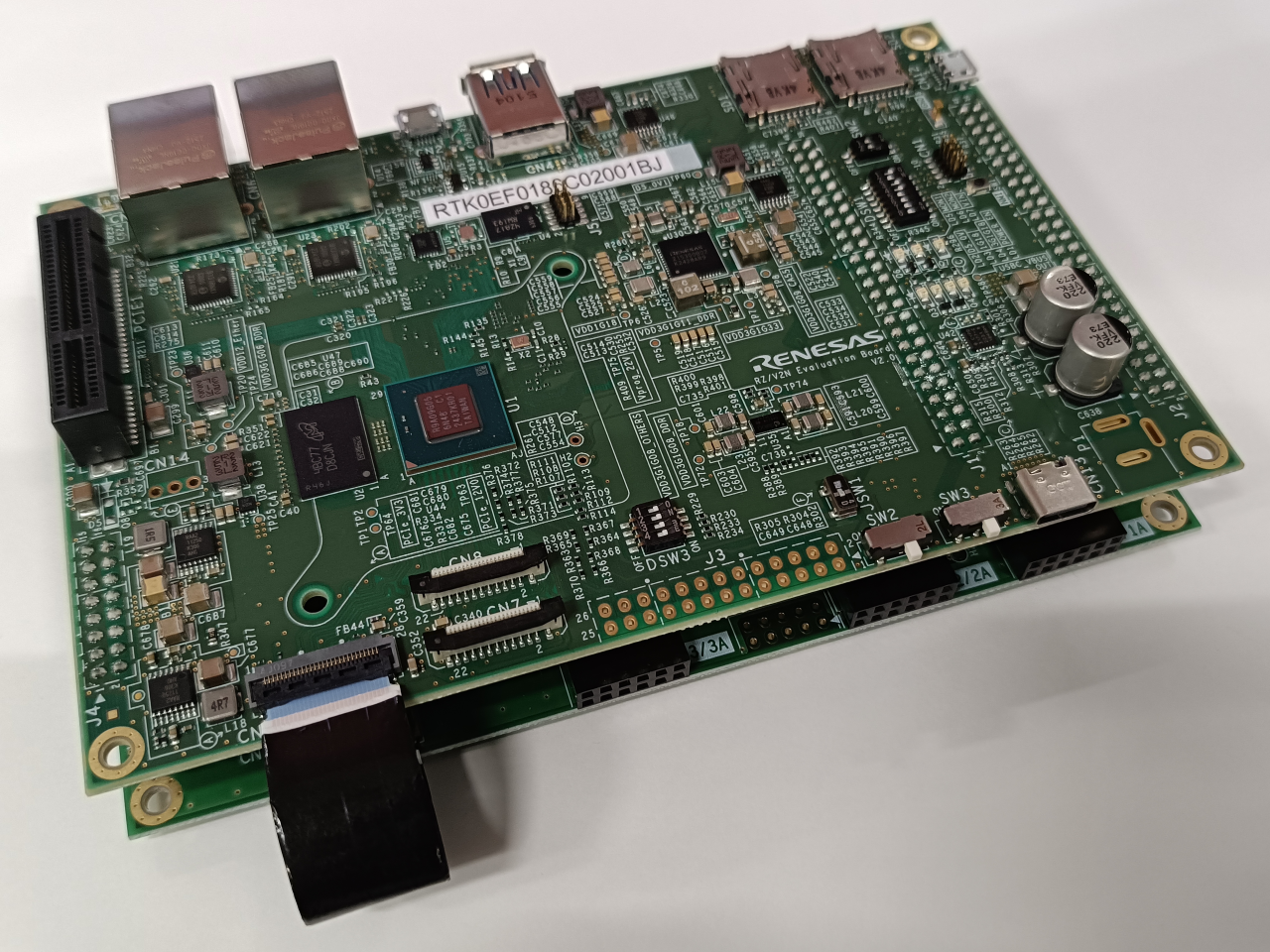
Products in the Design
| 5L35023 | VersaClock 3S Programmable Clock Generator |
| DA9130 | High-Efficiency, 10A, Dual-Phase, Step-Down DC/DC Converter (Buck) |
| DA9215 | Multiphase 15A and 5A Output Current |
| ISL6185XXC | Dual USB Port Power Supply Controller - Covering the Commercial Temperature Range of 0C to +70C |
| ISL80015 | Compact Synchronous Buck Converter |
| ISL80031A | 3A Synchronous Buck Converter in 2x2 DFN Package |
| RAA211250 | Integrated FET 30V, 5A Synchronous Buck Regulator with Internal Compensation and Programmable Frequency |
| RAA215300 | High-Performance 9-Channel PMIC Supporting DDR Memory, with Built-In Charger and RTC |
Videos & Training
Configure an end-to-end edge AI vision pipeline on the Renesas RZ/V2N microprocessor using the DRP-AI SDK and pre-compiled model packages. Prepare the target filesystem on a microSD card, align deployment directory structures, verify the DRP-AI TVM runtime library, and confirm Linux UVC camera recognition. Leverage the dedicated DRP-AI3 hardware accelerator to perform low-latency edge inference with live bounding-box results rendered directly to an HDMI monitor.
Additional Videos
Support
Support Communities
- RZ/V2N Mali-C55 ISP Support Package Integration with AI SDK 6.30 and IMX462
Hello Renesas Team, We are working with the RZ/V2N EVK using AI SDK v6.30 and have integrated a Sony IMX462 camera through MIPI CSI-2. Our current camera pipeline is working as follows: IMX462 (RAW10) → CSI-2 RX → CRU Image Converter → /dev/video0 → H.264 ...
Jul 28, 2026

Support Communities

