
Overview
Description
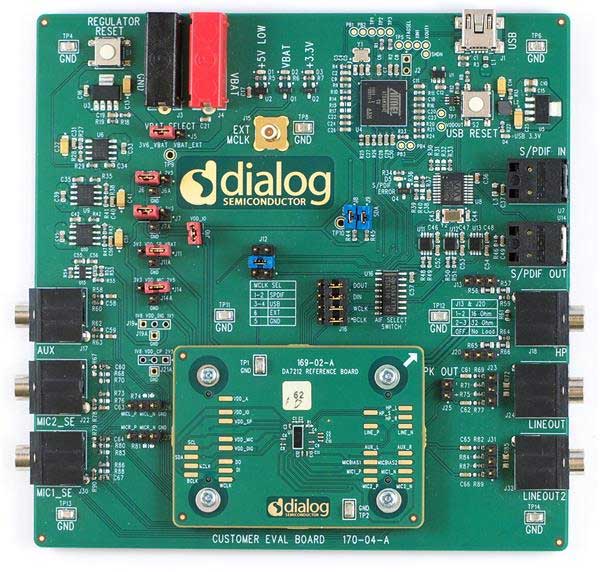
The DA7212 evaluation board has been designed to allow measurement and evaluation of the DA7212 audio codec.
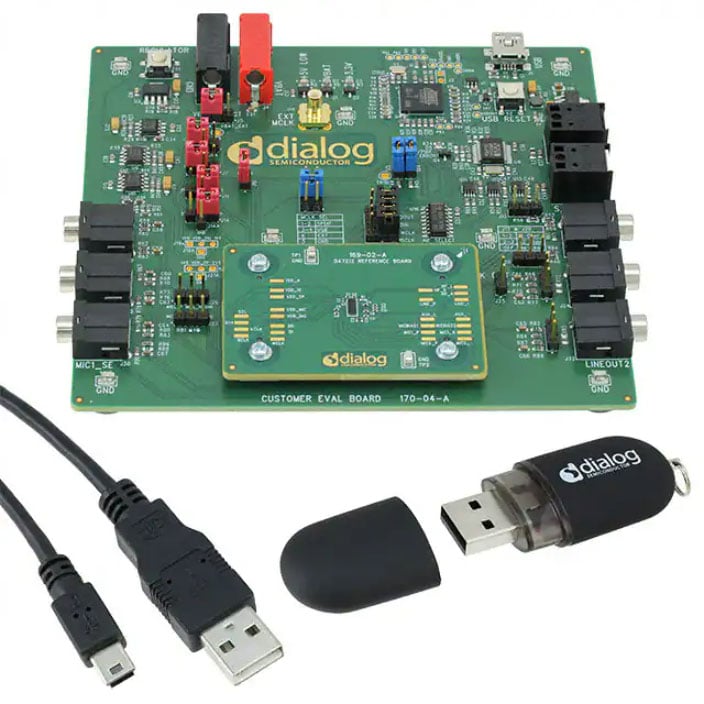
All audio codec functionalities are self-contained within the evaluation board (EVB). The EVB is supplied with a USB memory stick containing various documents and a graphical user interface (GUI) to allow the user to control the DA7212 device. The GUI is called Power Commander™. It uses a simple graphical interface, allowing the DA7212 to be controlled via a USB port of a PC. Additionally, the board includes several jumper links that allow the user to modify the system configuration and perform necessary measurements. However, for standard DA7212 operations, a few jumper links typically need to be adjusted.
The DA7212 is an ultra-low power audio codec ideal for standalone audio/video digital processors, IC recorders, and many other portable applications. The audio front end simultaneously supports stereo FM line input with four analog (or two analog and two digital) microphones with two independent microphone biases. Comprehensive analog mixing and bypass paths to the output drivers are available. The headphone output is true-ground Class G with an integrated charge pump. There is also a differential Class AB speaker driver that can serve as a mono lineout.
Features
- Simple Power Commander™ GUI allows the DA7212 IC to be controlled with the USB port of a PC
- All audio codec functionalities are self-contained within the evaluation board
- Includes several jumper links to enable system configuration changes and measurements
Applications
Design & Development
Software & Tools
Software Downloads
Support
Support Communities
- DA7212 eval board configuration
I am trying to stream MIC1 and MIC2 single-ended audio over I2S using the DA7212 eval board. I'd like to be able to sample at 8, 11.025 and 16 kHz sample rates in PLL bypass mode. As a starting point, I tried loading the "USB Record" automated ...
Oct 24, 2020 - DA7212-EVAL as windows sound card
When I connect my DA7212-EVAL to my Windows 10 PC, the GUI runs fine, but I'm unable to get it to act like a Windows sound card in order to send and receive audio to it. I installed the Windows USB driver, and Windows reports that the device ...
Jul 10, 2024 - DA7212 AUX input doubled
Hello, I just got the DA7212 Evaluation Board. I am generating a 1kHz 1Vpp with a signal generator and injecting it into AUX_L and observing the output on HP_L and I am seeing 2Vpp. The codec is configured for straight through (no ADC/DAC). I also tried ...
Mar 30, 2018

Support Communities

